
Agnes Image Generator
Use Agnes Image Generator to turn prompts into intricate scenes or restyle uploaded photos, with flexible sizes and fast, free AI output.
Feedback

freeTrialImage.bannerPity
freeTrialImage.upgradeUnlock
- ✓freeTrialImage.benefitHd
- ✓freeTrialImage.benefitWatermark
- ✓freeTrialImage.benefitUnlimited
AI Tools
Explore AI tools


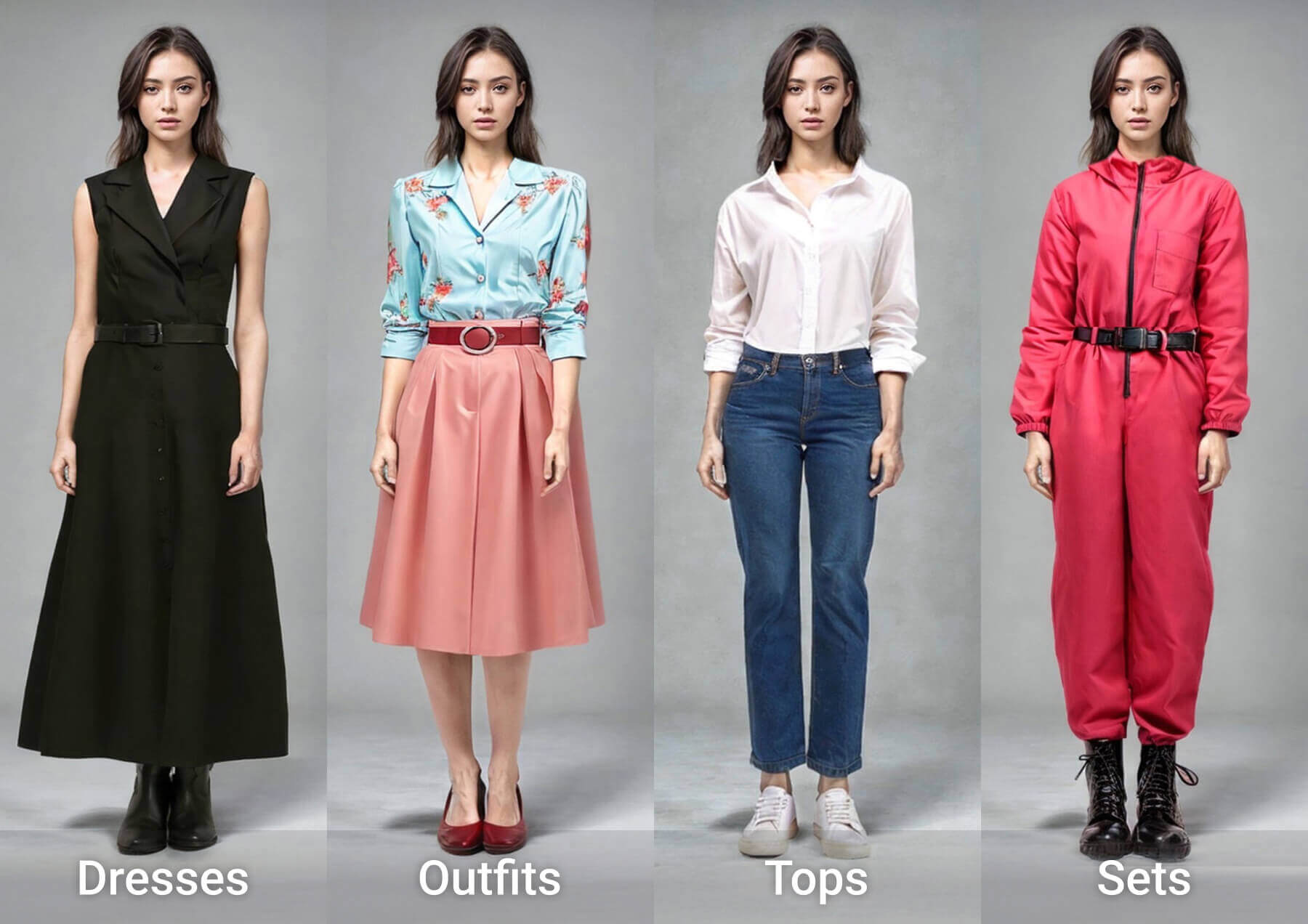
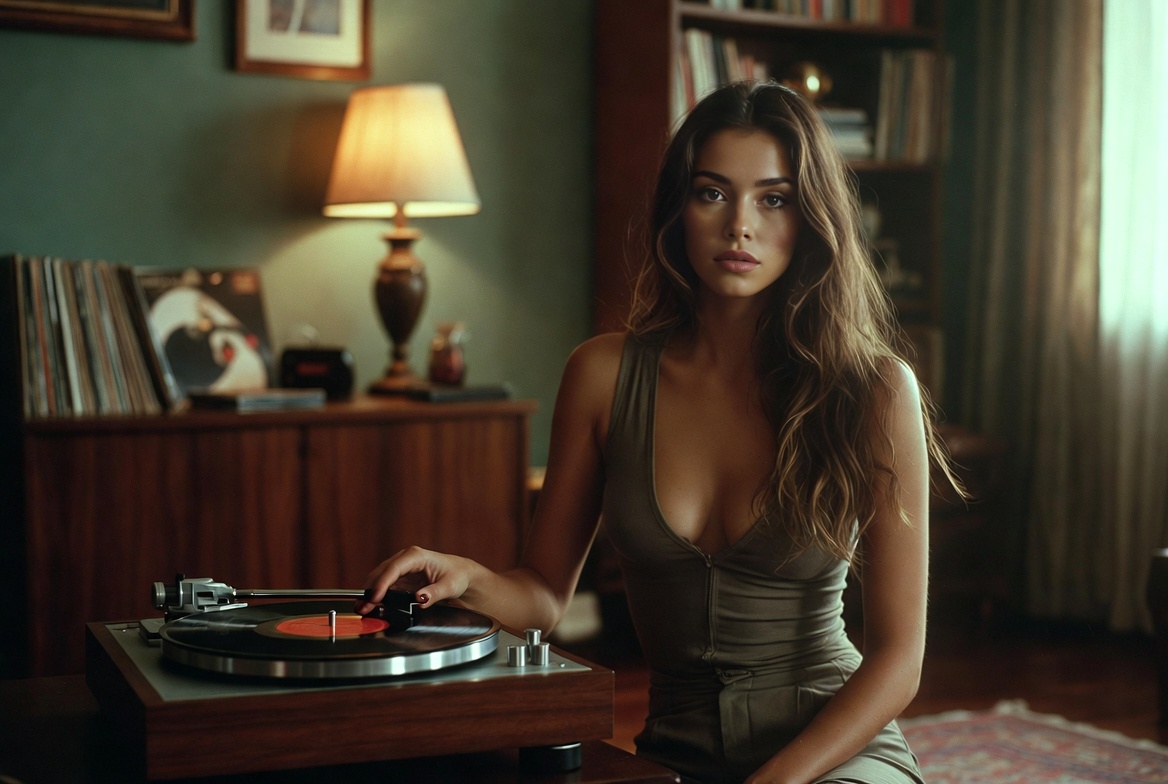
What Makes Agnes Image Generator Different
Built on the Agnes Image 2.1 Flash model from Sapiens AI, Agnes Image Generator focuses on information-rich visuals, dense compositions, and smooth text-to-image or image-to-image editing.
- Prompt to PictureWrite what you imagine and Agnes Image Generator translates natural-language details into polished visuals with accurate subjects and atmosphere.
- Photo RemixUpload a base image and describe the change you want. The workflow keeps the main layout intact while applying new styles, lighting, or elements.
- Layered DetailBuilt for busy scenes, the tool manages multiple subjects, complex layouts, and fine textures so information-rich images stay coherent.
How Agnes Image Generator Works
Turn an idea into a detailed image in three quick steps, then download or keep refining with Agnes Image Generator.
Agnes Image Generator: Common Questions
Find quick answers about image quality, supported sizes, editing options, pricing, and output delivery.
What exactly is this tool?
It is an AI image creation and editing workspace powered by Agnes Image 2.1 Flash from Sapiens AI, built for text-to-image and image-to-image tasks with dense visual detail.
Which image sizes can I choose?
You can output from 1K to 4K and select ratios such as 1:1, 3:4, 4:3, 16:9, 9:16, 2:3, 3:2, and 21:9 depending on your layout needs.
Can I restyle a photo I already have?
Yes. Upload a reference image, add text instructions, and the image-to-image mode applies changes while keeping the original composition and key layout.
Does it cost anything to try?
You can start with free image generation at $0 per image, so you can test prompts, compare styles, and create content before using paid options.
What kinds of visuals can I make?
Use it for concept art, campaign visuals, product shots, social posts, layered scene compositions, and style transfers on existing images.
How do I receive the finished image?
Generated images can be delivered as direct image links or Base64 data, making it easy to download, store, or plug into your workflow.
Start Creating with Agnes Image Generator
Turn your prompt into a layered AI image or restyle a photo in minutes with Agnes Image Generator.