
Seedream 5.0 Pro Image Generator
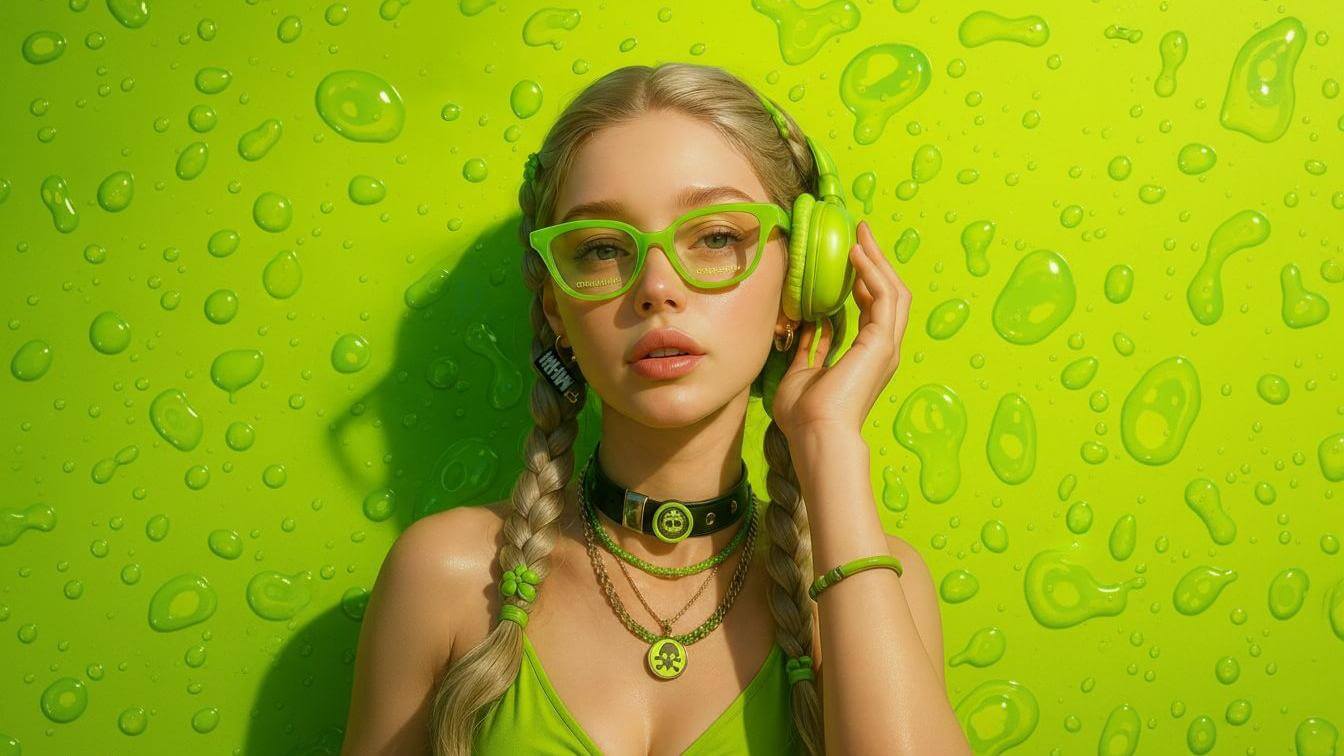
Create sharp, watermark-free 4K visuals fast with Seedream 5.0 Pro Image Generator. Deep visual reasoning and precise layer edits for pro results.
Feedback
AI Tools
Explore AI tools



Studio-Grade Results With Seedream 5.0 Pro Image Generator
Built for demanding creative teams, this professional image generator combines thoughtful visual planning, native 4K rendering, and layer-accurate editing for production-ready output.
- Reasoning Before RenderingThe model plans composition, lighting, physics, and semantics in multiple passes before drawing, so scenes stay coherent and lifelike.
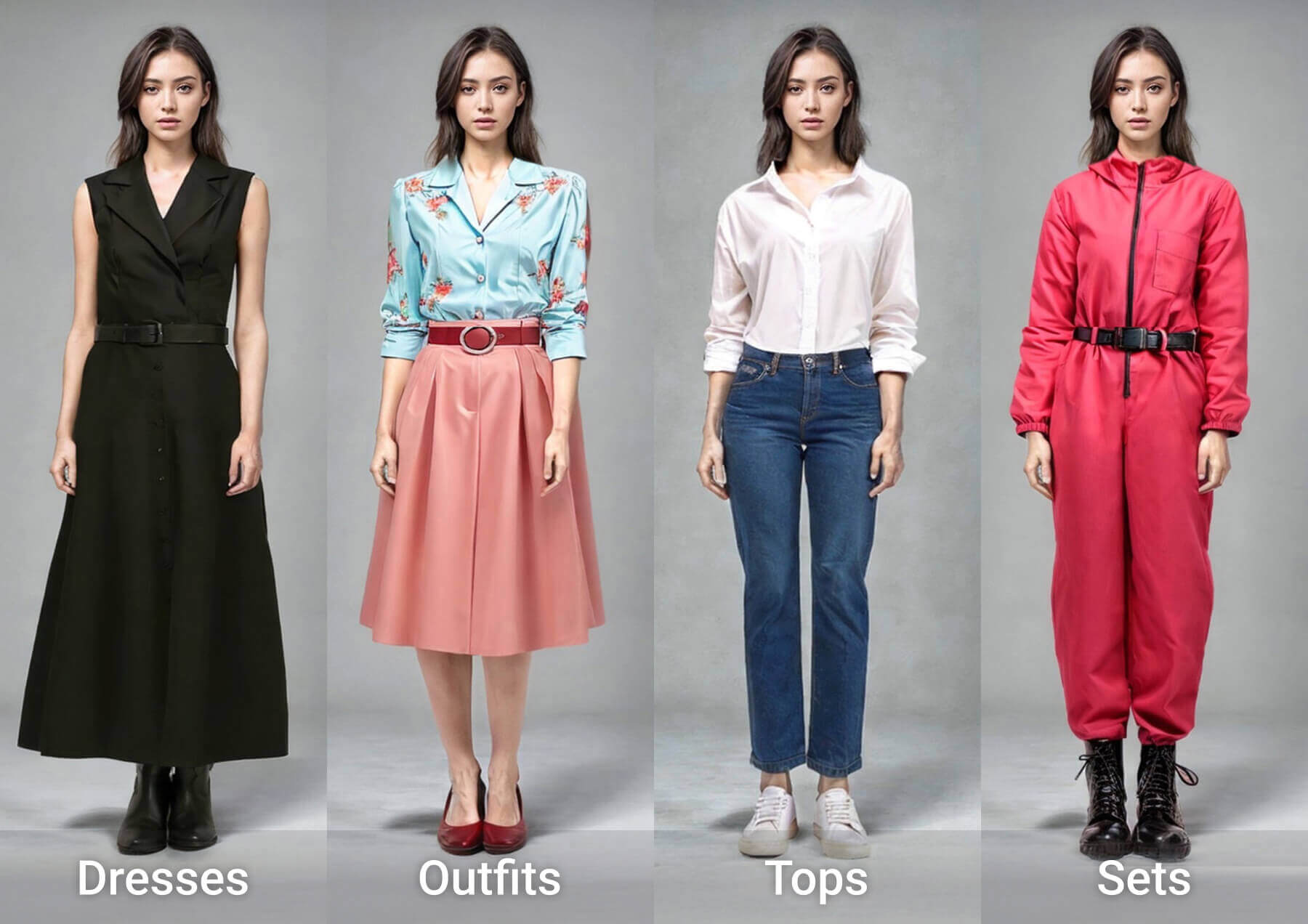
- Precise Layer ControlSeparate subjects, backgrounds, and typography into editable layers. Adjust or restyle one element while the rest of the image stays intact.
- True 4K DetailRender up to 4096 x 4096 pixels without upscaling. Ideal for print campaigns, product shots, and large-format layouts.
Create 4K Images in Three Steps With Seedream 5.0 Pro
Follow three straightforward steps to turn a written idea into a polished, high-resolution image using the Seedream 5.0 Pro tool.
Seedream 5.0 Pro: Quick Answers on Pro Image Creation
Find clear answers about output quality, speed, editing control, and what makes this professional image generator different.
What Is This Image Generator?
It is the professional edition of the Seedream 5.0 family, designed for creators who need studio-quality AI images, native 4K output, and layer-accurate editing.
What Kinds of Images Can I Make?
Use it for ad creatives, e-commerce visuals, film pre-production, posters, infographics, large-format design, and brand-consistent campaigns.
How Quickly Does It Generate Images?
Distilled few-step sampling keeps pro-level results stable, with seconds-level turnaround even when you run complex editing workflows.
Does It Offer Native 4K Output?
Yes. It renders up to 4096 x 4096 pixels directly, so you get print-ready detail without relying on an external upscaler.
Can I Edit Specific Parts of an Image?
Yes. Layer-level editing lets you add, remove, replace, or restyle subjects, backgrounds, and text independently.
How Is It Different From Standard AI Image Tools?
It combines deep visual reasoning, built-in web search, multi-reference fusion, and generation plus editing in one unified architecture.
Start Creating With Seedream 5.0 Pro Image Generator
Turn your next brief into a polished, watermark-free 4K image. Try Seedream 5.0 Pro for smarter visual reasoning and precise layer editing.