
AI Photo Upscaler
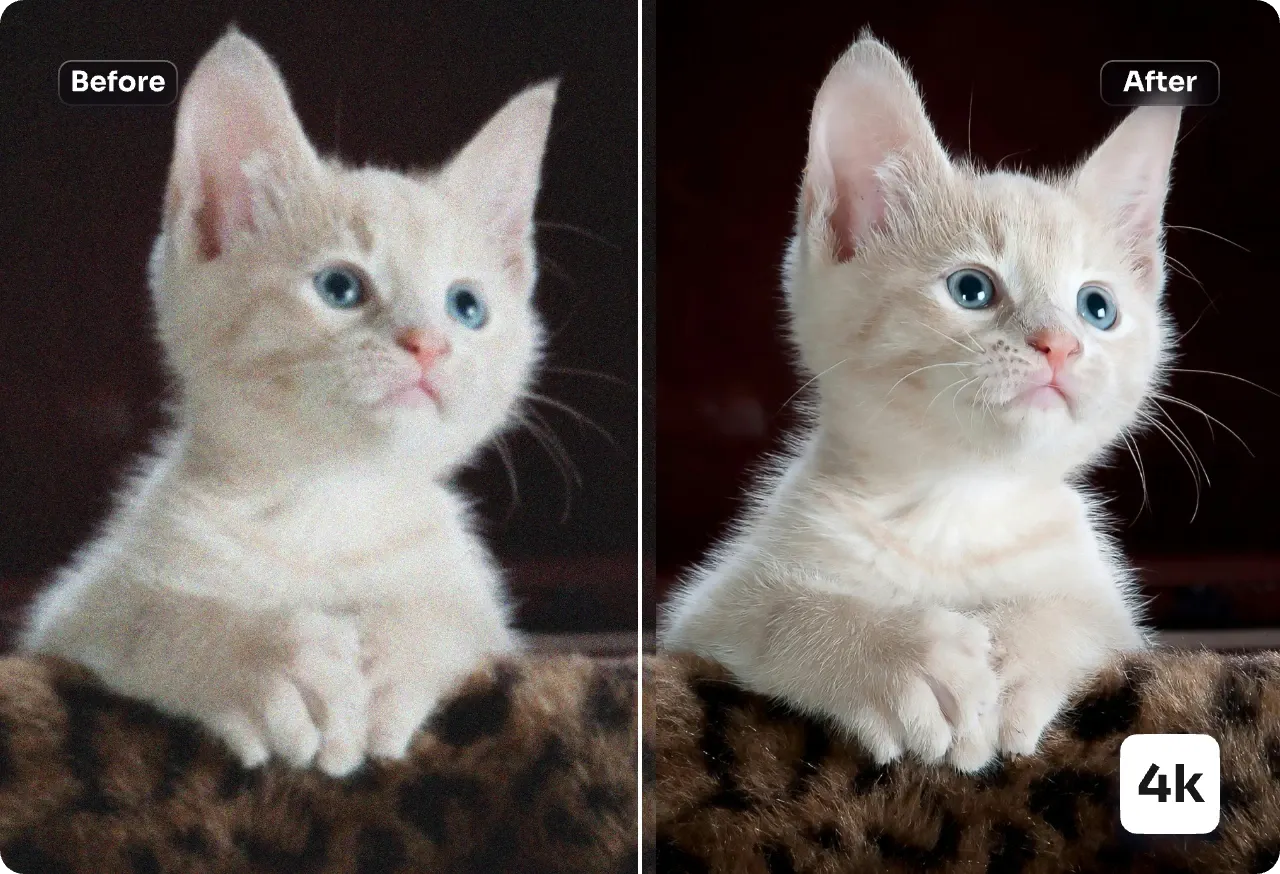
Upscale any photo to crisp 4K with our AI Photo Upscaler — rebuild fine texture, erase compression noise and sharpen details in a single click.
Feedback
All Tools
Browse AI tools
Muse Video
Seedance2.5
The Future of AI Video Is Here.

Seedance 2.0
The Future of AI Video Is Here.

Veo3.1
Create Stunning Videos with Veo3.1
Grok Video Generator
Create Videos from Text or Images with AI
MiniMax H3 video generator
MiniMax H3 AI Video Generator

Seedance 2.0
The Future of AI Video Is Here.

Gemini Omni 1.2 Flash
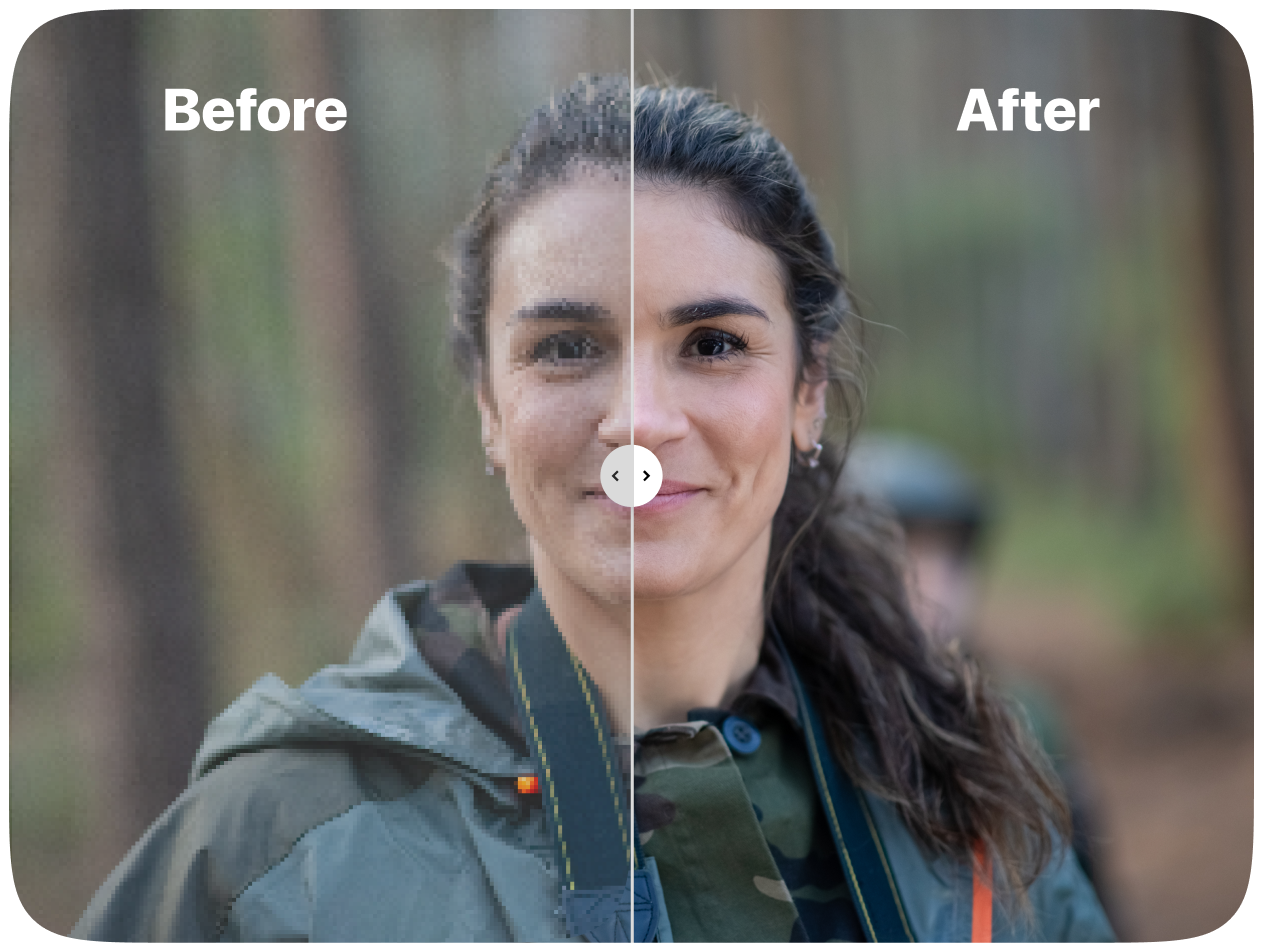
How the AI Photo Upscaler Works
Built on a dedicated enhancement model, this AI Photo Upscaler takes small, soft or compressed files and rebuilds them at higher resolution — keeping faces, edges and product details believable on screen and in print.
- True-to-Life DetailRebuilds micro-contrast and surface texture instead of smearing it, so enlargements still look photographic.
- Sharper Faces and TypeBrings out eyes, hair strands and tiny lettering without halos, ringing or waxy skin.
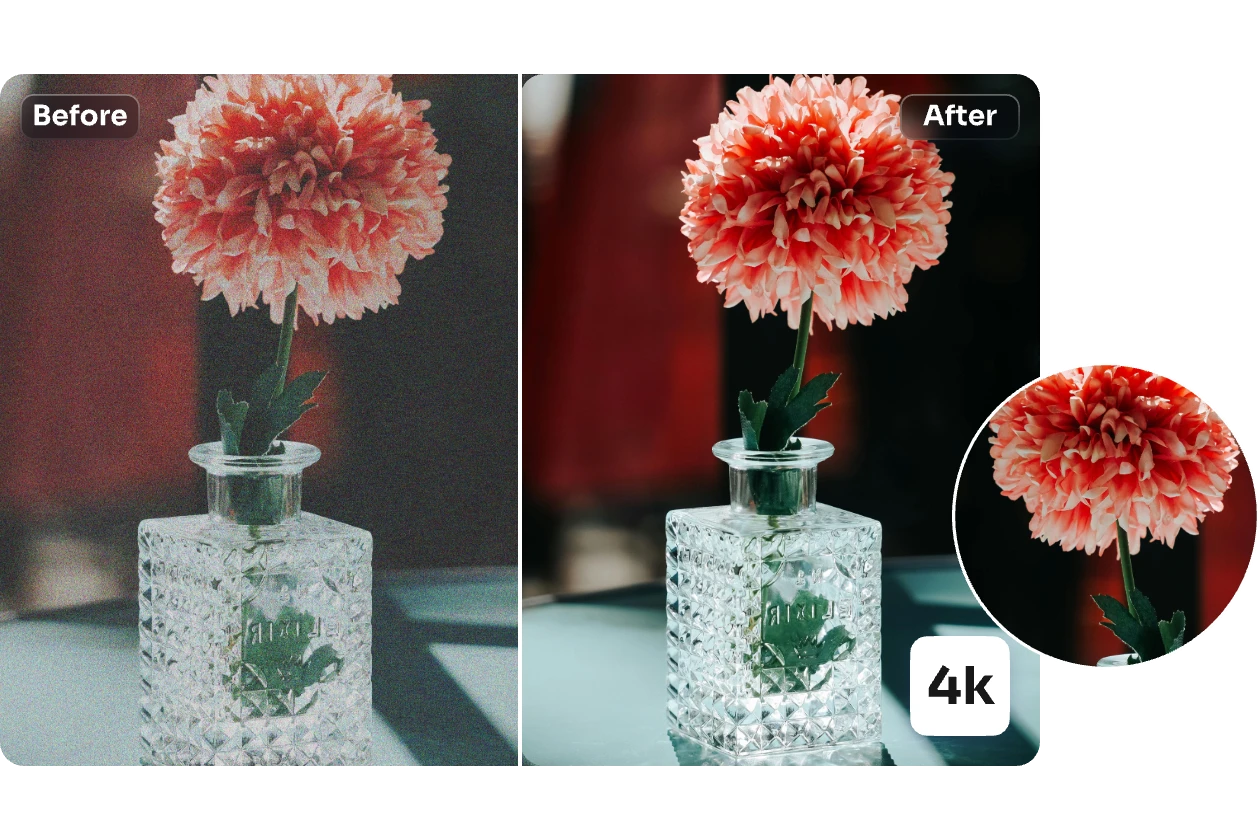
- Intelligent Noise CleanupClears JPEG blocks and grain while leaving contours, logos and packaging text crisp.
Why Choose AI Photo Upscaler
Higher clarity, natural textures, fast batch processing, reliable face recovery and brand protection.
Upscale a Photo in Four Steps
From upload to download in under two minutes — here is the whole workflow.
What the AI Photo Upscaler Brings to Your Images
Every run balances sharpening with restraint — texture, colour and brand marks stay intact while defects are cleared away.
Crisp High-Fidelity Enlargement
Fine lines and edges are rebuilt so the enlarged file holds up on retina screens and at print size.
Texture That Survives
Skin pores, fabric weave and material grain come back to life instead of turning into plastic.
Natural Face Refinement
Eyes, brows and hair are gently clarified while the person still looks like themselves.
Compression Artifact Cleanup
JPEG blocks, ringing and banding are wiped out with the underlying detail left untouched.
Balanced Colour and Tone
Contrast and saturation are kept in check so nothing looks oversharpened or washed out.
Queue Multiple Files
Line up a whole catalogue of images and let the pipeline work through them for e-commerce or production.
Questions People Ask About the AI Photo Upscaler
Short, practical answers on resolution limits, processing time, output quality and usage rights.
What exactly does this upscaler do?
It takes a small or damaged file and rebuilds it at up to 4x the resolution — sharpening edges, recreating texture and clearing noise along the way.
How is it different from a basic resize?
A plain resize just stretches pixels. The AI Photo Upscaler predicts the missing detail, so faces, textures and lettering stay believable instead of turning soft or plastic.
Which kinds of images benefit most?
Portraits, product shots, logos, screenshots, scanned artwork and old compressed photos all gain visible clarity.
How long does an upscale take?
Usually well under a minute for a single image; larger files pushed to 4x may take a little longer.
Will faces and brand assets stay accurate?
Yes — features and typography are refined rather than redrawn, so people remain recognisable and logos keep their exact shape.
Can I use the results commercially?
Yes, as long as your plan is active and you hold the rights to the original image.
Rescue Every Pixel with the AI Photo Upscaler
Upload a file, pick 2x or 4x, and download a cleaner, sharper version in seconds — no plugins, no installs.