
Photo To Sketch
Create hand-drawn artwork from any photo in seconds with this photo to sketch AI. Pick pencil, charcoal, ink, or watercolor and get polished results online, free.
Feedback

freeTrialImage.bannerPity
freeTrialImage.upgradeUnlock
- ✓freeTrialImage.benefitHd
- ✓freeTrialImage.benefitWatermark
- ✓freeTrialImage.benefitUnlimited
AI Tools
Explore AI tools
Muse Video
Seedance2.5
The Future of AI Video Is Here.

Seedance 2.0
The Future of AI Video Is Here.

Veo3.1
Create Stunning Videos with Veo3.1
Grok Video Generator
Create Videos from Text or Images with AI
MiniMax H3 video generator
MiniMax H3 AI Video Generator

Seedance 2.0
The Future of AI Video Is Here.

Gemini Omni 1.2 Flash
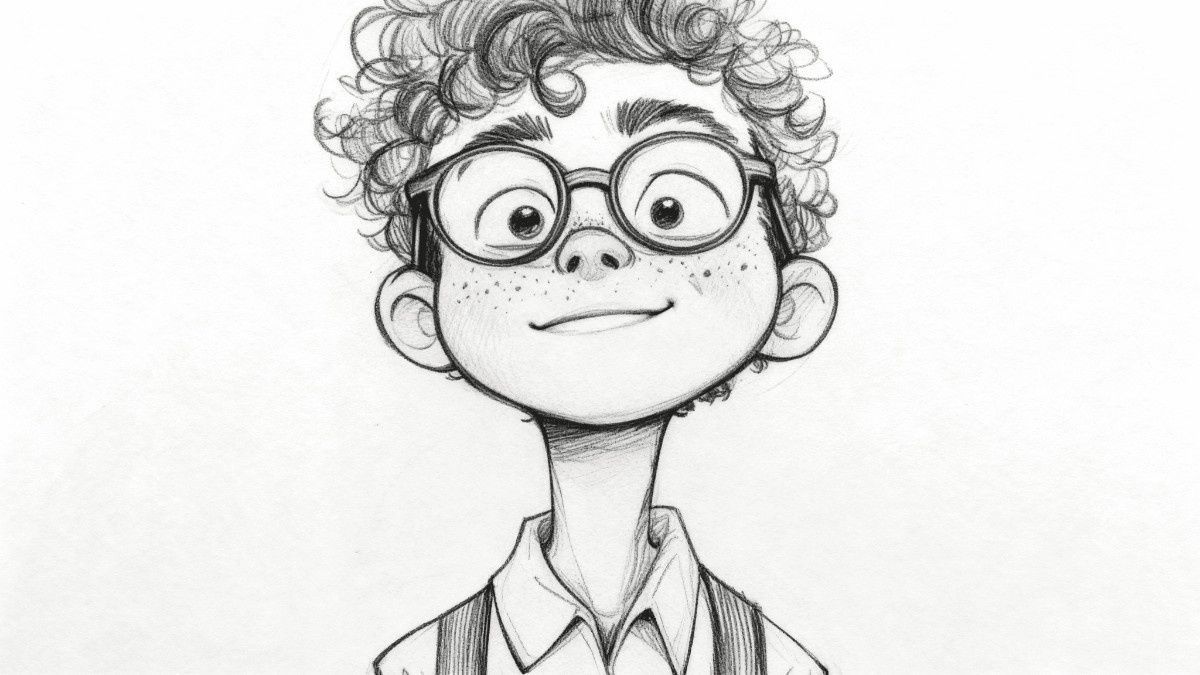
Your Photo to Sketch Studio, Explained
This online photo to sketch tool turns everyday pictures into hand-drawn art. Choose graphite, charcoal, pen-and-ink, or watercolor finishes for gifts and campaigns.
- Style VarietyChoose from graphite, charcoal, ink, or watercolor looks.
- Quick ResultsSee your sketch in moments.
- Print-Ready OutputCrisp files for print or web.
How to Use This Photo to Sketch Tool in Three Steps
Add an image, choose the drawing style you want, then let the converter work. Download or share the finished artwork right away.
Photo to Sketch Features Made for Creative Work
Choose from several drawing styles, process multiple images at once, and export detailed files that hold up in print or on screen.
Pencil Drawing
Soft graphite-style lines and shading.
Charcoal Art
Rich, dramatic dark-toned textures.
Ink Line Art
Crisp outlines with a hand-inked feel.
Watercolor Wash
Gentle color blends and painterly edges.
Batch Conversion
Process several images in one go.
Detail Retention
Keep facial features and textures sharp.
Photo to Sketch Questions, Answered
Find clear answers on available styles, turnaround time, batch conversion, image quality, and free access.
What does this photo to sketch tool do?
It uses AI to redraw your image as a pencil, charcoal, ink, or watercolor-style sketch in moments.
Which sketch styles can I choose?
You can select pencil, charcoal, ink, watercolor, and other drawing looks.
Can I convert several images at once?
Yes. Batch conversion lets you work through multiple photos in one session.
Will the output be sharp enough to print?
Yes. The tool exports detailed, high-resolution files suitable for print or web.
Do I need to pay or create an account?
Basic conversions are free, and you can start without signing up.
How long does a conversion take?
Most images finish in seconds, though larger files may take a little longer.
Ready to Turn Your Photo Into a Sketch?
Upload an image, choose a drawing style, and get a polished sketch in moments. Download high-resolution artwork at no cost.