
Feedback
ChatGPT Image 2.6
Use ChatGPT Image 2.6 to create images and looping GIFs 50% faster, keeping characters, products, and brand details consistent through every edit.
AI Tools
Explore AI tools


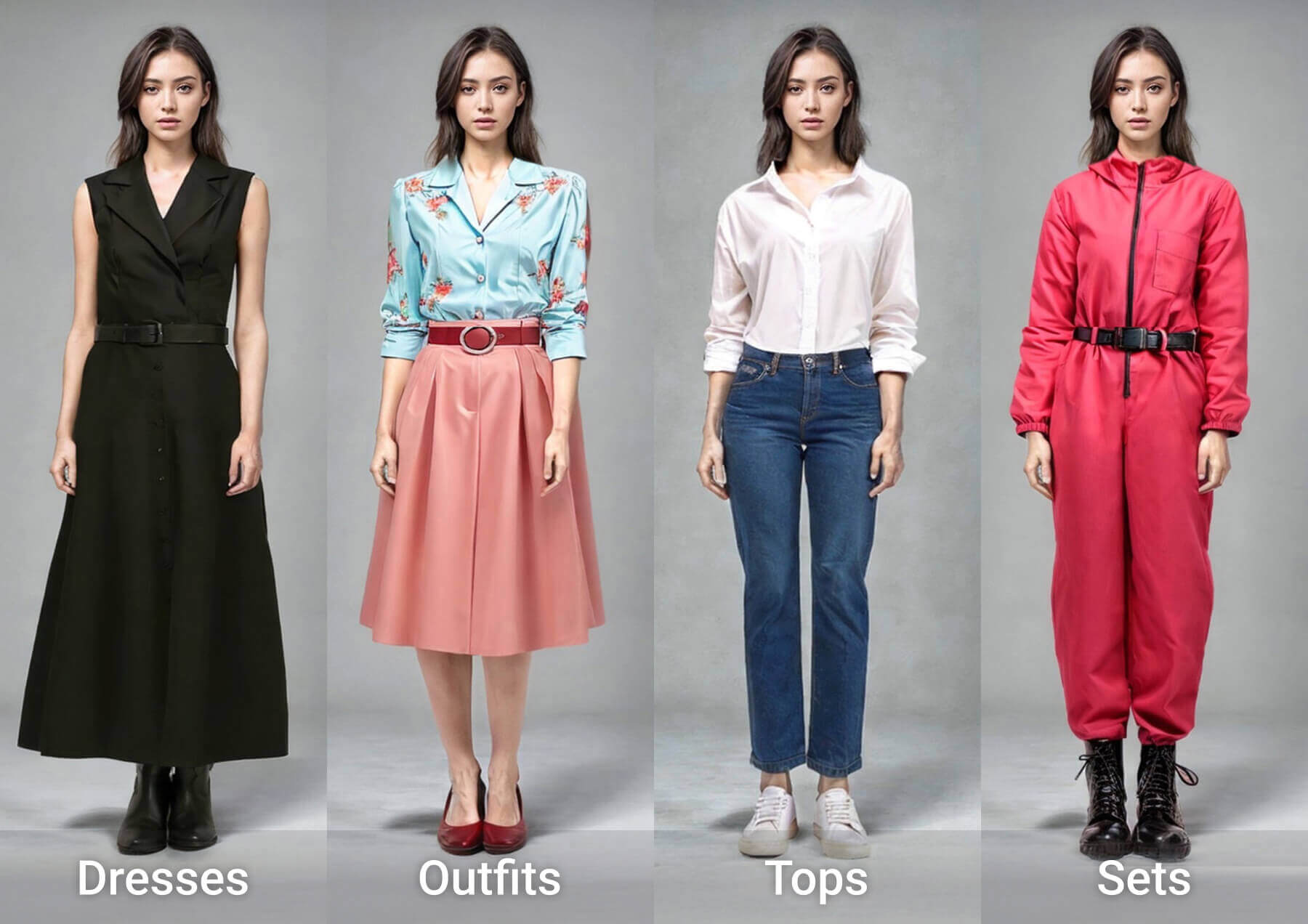
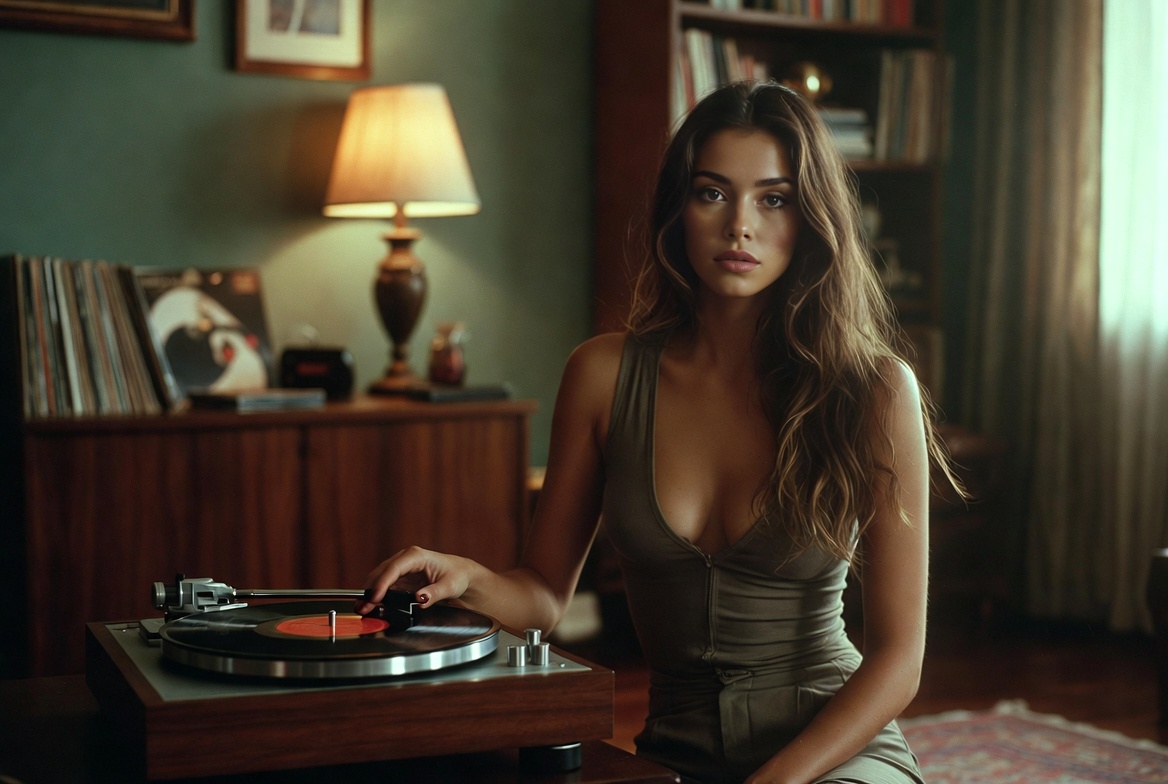
Why Choose Images 2.6
ChatGPT Image 2.6 delivers 50% faster generation, keeps character and brand details stable across editing rounds, and adds animated GIF output for motion-ready concepts.
- Generate 50% FasterImages 2.6 cuts image creation time by 50%; via the API, Flare can return a low-quality draft in about six seconds.
- Consistent Characters and Branding Through EditsMaintain recognizable characters, products, and brand elements across every edit; Sunburst strengthens that consistency at medium or high quality.
- Animated GIF CreationTurn stills into motion with GIFs — loop a mascot, build social reactions, or convert a product photo into a repeating visual, even starting from a rough sketch.
How to Use ChatGPT Image 2.6
Follow three simple steps with Images 2.6 — choose a model, write sprite-sheet prompts, and make precise edits.
ChatGPT Image 2.6 FAQ
Find quick answers about Images 2.6 models, generation speed, edit consistency, GIF output, availability, and controls.
Which models does the API offer?
There are two: GPT-Image-2.6 Flare and GPT-Image-2.6 Sunburst. Choose Flare for speed or Sunburst when higher fidelity matters more.
How quickly can it create an image?
With quality set to low, Flare can turn a prompt into an image in about six seconds — part of the overall 50% speed boost over the previous version.
Does it keep characters and products consistent during edits?
Yes. Recurring characters, products, and brand details remain recognizable across multiple edit rounds, and Sunburst improves that consistency at medium or high quality.
Can I make animated GIFs with it?
Yes. Images 2.6 adds motion to visuals — looping mascots, meme reactions, or product shots converted into repeating clips.
Which platforms and plans include Images 2.6?
It is available worldwide in ChatGPT and Codex across all subscription tiers — desktop, mobile, and web — and developers can access it through the API.
What are the complexity parameter and image markup for?
Complexity controls how much planning the model applies — use low for quick touch-ups, higher for busy scenes — while image markup pinpoints exactly which area to change.
Start Creating with ChatGPT Image 2.6
Begin with a quick edit or GIF animation in ChatGPT or through the API, then review API pricing and the system card for safety details.