
Free GPT Image 2 Image Generator
Generate stunning, production-ready visuals at zero cost with our AI tool. Just type a short description or upload a reference — the smart engine renders crisp multilingual text, realistic details, and repeatable outputs perfect for catalogs, ads, and web. No sign‑up, no watermarks.
Feedback
Loading...
freeTrialImage.bannerPity
freeTrialImage.upgradeUnlock
- ✓freeTrialImage.benefitHd
- ✓freeTrialImage.benefitWatermark
- ✓freeTrialImage.benefitUnlimited
All Tools
Browse AI tools
MiniMax H3
MiniMax H3 AI Video Generator
Seedance 2.5
The Future of AI Video Is Here.

Seedance 2.0
The Future of AI Video Is Here.

Veo3.1
Create Stunning Videos with Veo3.1
FLUX 3 Video Generator

Kling 3.0
Next-Gen AI Video Generator
Grok Video Generator
Create Videos from Text or Images with AI
MiniMax H3 video generator
MiniMax H3 AI Video Generator
AI Image Editor Examples
See what our AI Image Editor can do. Remove backgrounds, change styles, enhance photos instantly.
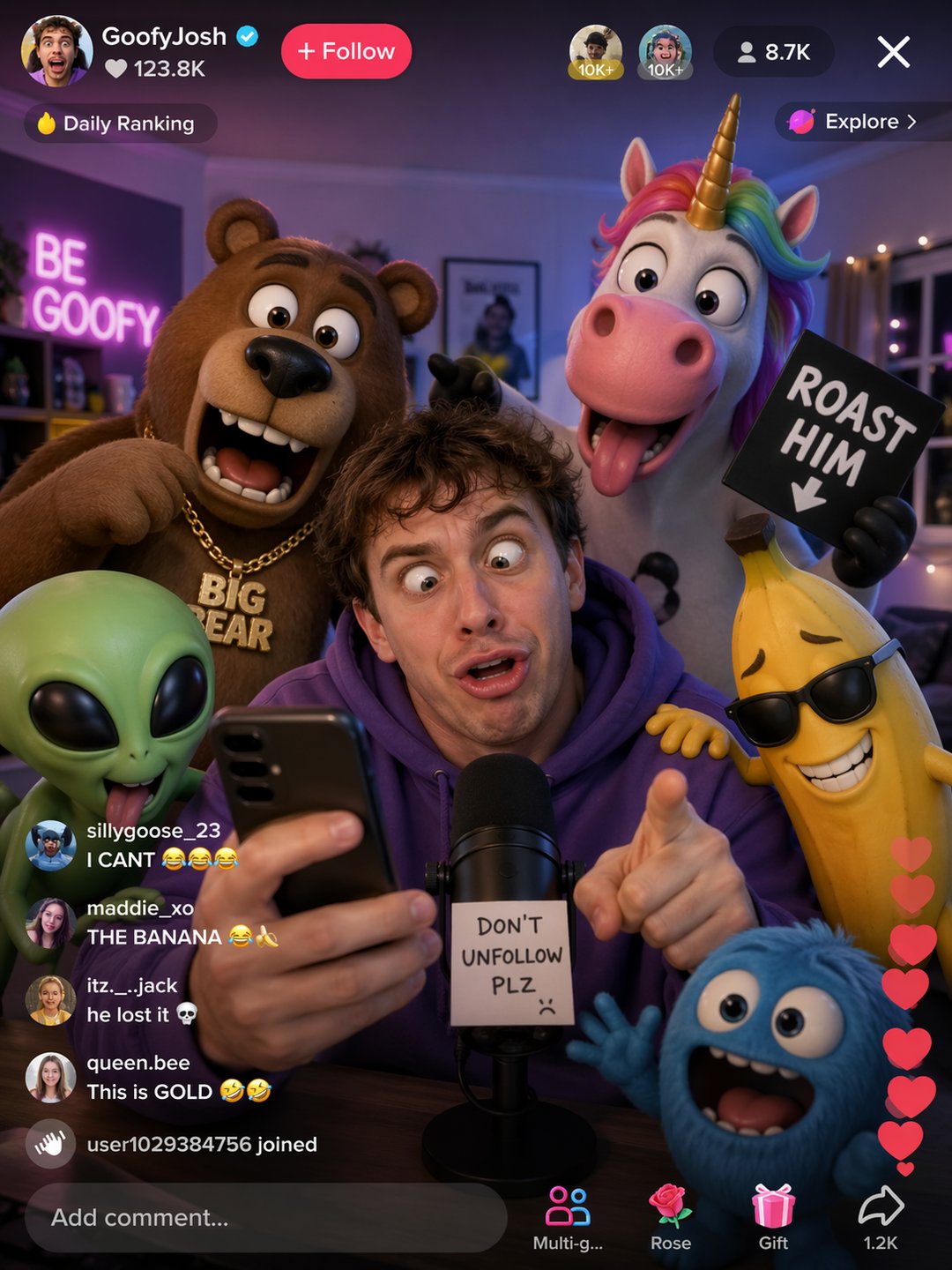


Professional Image Generation with Multilingual Text & Scene Awareness
This AI tool combines layout‑aware synthesis with native multilingual text rendering to deliver production‑ready images fast. Perfect for product shots, marketing assets, and batch variations that keep a consistent style across your entire campaign.
- Accurate Text in Any LanguageGenerate natural‑looking English, Chinese, Japanese, Korean, and more – the engine handles alignment and perspective automatically for seamless multilingual visuals.
- Photorealistic Detail & LightingCreate images with realistic lighting, reflections, and anatomy using advanced synthesis that mimics professional photography.
- Consistent Styles Across BatchesMaintain character designs, color palettes, and compositions across multiple generations – ideal for building a unified brand look.
Why Choose GPT Image 2 AI Image Generator
GPT Image 2 AI Image Generator gives creators commercial‑grade output fast: accurate text rendering, world‑aware composition, and consistent visuals across iterations—so teams ship polished imagery with less rework.

3 Steps to Create Images with GPT Image 2
Describe or upload a reference, let the AI generate high‑quality visuals, then download or create more variations – all in seconds.
Key Capabilities of Free GPT Image 2 Generator
Native text rendering, scene‑aware composition, photorealistic output, and pixel‑perfect consistency – everything you need for production‑ready assets.
Native Multilingual Text
Render text in multiple languages naturally on any surface or perspective without distortion – ideal for global marketing materials.
Scene‑Aware Layout
Automatic spatial understanding places elements correctly in complex scenes, ensuring reliable and logical compositions every time.
Photorealistic Quality
Achieve realistic lighting, reflections, and subject details with the advanced synthesis engine – perfect for product showcases.
Consistent Brand Identity
Keep characters, outfits, and layouts identical across all generations – maintain a cohesive look for your brand assets.
Sequential Art & Storyboards
Preserve visual continuity across frames – great for comics, storyboards, and any sequential art project.
Commercial‑Ready Exports
Export high‑resolution images optimized for print and web – ready to use in campaigns, listings, and advertisements.
Frequently Asked Questions About Free GPT Image 2 Generator
Find answers to common questions and tips for making the most of the free image generation tool – from text rendering to commercial use.
What exactly is GPT Image 2 AI Image Generator?
It’s a free AI platform that creates high‑quality images with accurate multilingual text, scene‑aware composition, and consistent outputs for e‑commerce, ads, and social media.
Do I need any design skills to use it?
No – the tool offers presets and templates so anyone can generate professional images without prior design experience.
Will this reduce my photography costs?
Absolutely. By automating image creation and batch editing, the tool cuts production time and cost while maintaining commercial quality.
What file formats are supported?
You can upload JPG or PNG images. Exports are high‑resolution and optimized for web, marketplaces, and print. API access is also available for programmatic use.
Can I edit and create variations later?
Yes – you can regenerate variations, run A/B tests, and update catalogs in bulk, all while keeping a consistent style across campaigns.
Is the platform secure for product images?
Yes – all images are processed securely. Enterprise plans include data controls and integrations for compliance needs.
Start Creating Professional Images with the Free GPT Image 2 Tool
Remove backgrounds, batch‑edit, and publish studio‑quality assets instantly – all for free. Begin now and see how easy it is to produce commercial visuals.