
Bg Remove
Strip or swap any photo backdrop in seconds — clean cutouts, true-to-life edges, and instant downloads. Try Bg Remove free, no sign-up needed.
Feedback
All Tools
Browse AI tools
Muse Video
Seedance2.5
The Future of AI Video Is Here.

Seedance 2.0
The Future of AI Video Is Here.

Veo3.1
Create Stunning Videos with Veo3.1
Grok Video Generator
Create Videos from Text or Images with AI
MiniMax H3 video generator
MiniMax H3 AI Video Generator

Seedance 2.0
The Future of AI Video Is Here.

Gemini Omni 1.2 Flash
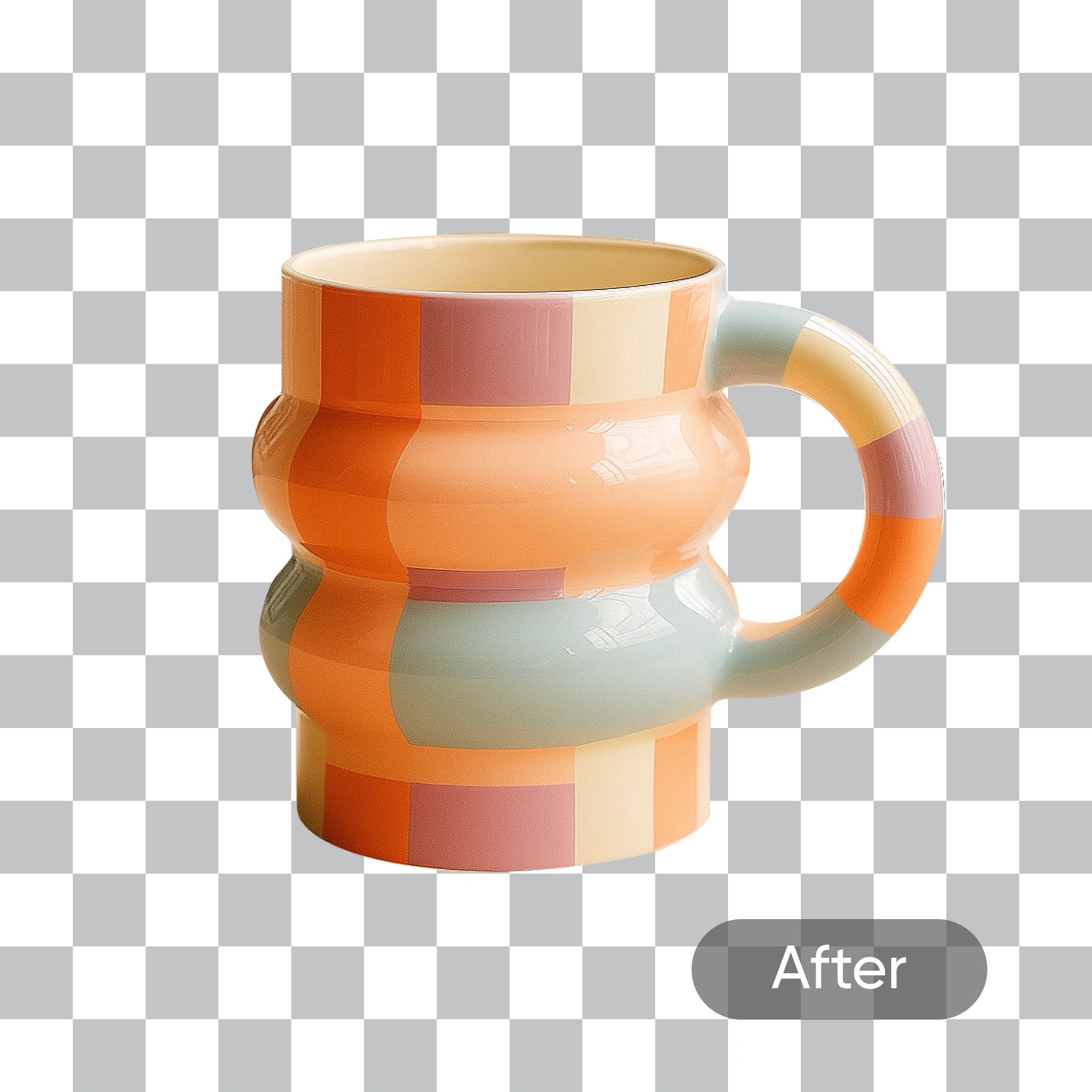
Cutouts Made Simple With Bg Remove
Separate any subject from its surroundings without losing a single strand of hair, then drop in a fresh backdrop that matches the original lighting.
- Crisp EdgesFine strands and hard-to-mask details survive the cut.
- Zero ClutterClear a noisy scene away in a single pass.
- Color FidelitySkin, fabric and product hues stay exactly as shot.
Why Bg Remove
Fast cutouts, clean edges, and ready-to-use results from Bg Remove.
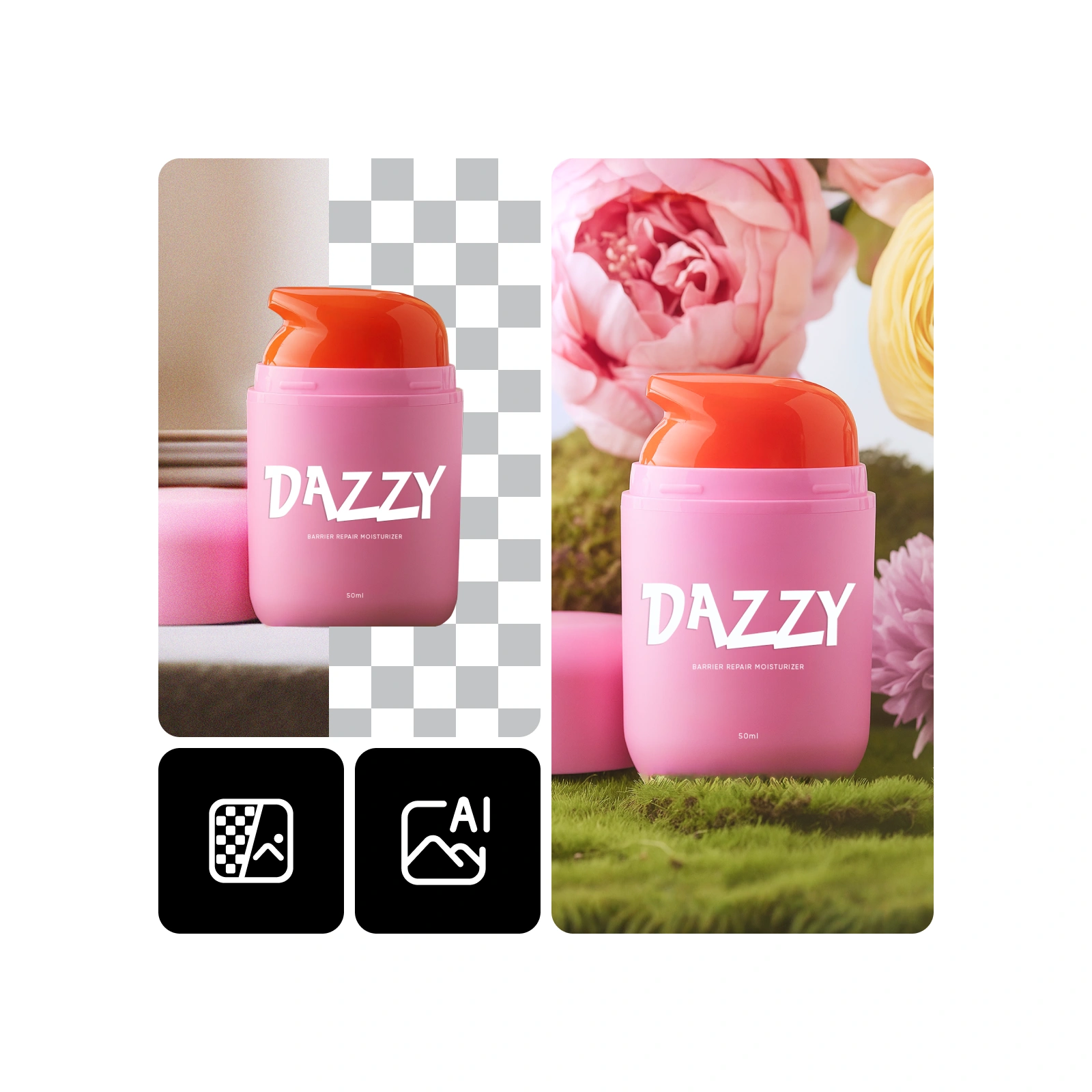
How Bg Remove Works in Four Steps
Bring in a picture, let Bg Remove clear or swap the backdrop, and save a transparent PNG you can use anywhere.
What Bg Remove Handles for You
From stray hairs to tricky shadows, Bg Remove protects the details that make a cutout look real — and keeps every color on point.
Pinpoint Cutouts
Edges stay razor-sharp, even on complex product shapes.
Strands & Fur
Wispy hair and fluffy coats come through without gaps.
Portrait Care
Facial features and skin tones remain untouched after the swap.
Halo Control
Spill and glow around the edges are cut right down.
Color Locked
Original lighting and hues carry over to the new backdrop.
Quick on Mobile
Built to finish on a phone as fast as on a desktop.
Bg Remove: Common Questions
Straight answers on cutout quality, speed, file types and how Bg Remove fits into your workflow.
What does the tool actually do?
It lifts a subject off its backdrop or drops in a new one — no manual masking, no editing software required.
How is it different from other cutout tools?
It holds onto hair, fur and fine edges while finishing most jobs in well under a minute.
Which photos work best?
Product shots, portraits, logos, banners and social graphics all come out clean.
How long does one edit take?
Most runs wrap up inside a minute; larger files may take slightly longer.
Will faces and skin tones change?
No — features, expressions and complexion stay exactly as they were.
Can I use the results commercially?
Yes, subject to the terms of the plan you are on.
Start Cutting With Bg Remove
Drop in a photo and let Bg Remove do the rest — a transparent PNG ready in about a minute.