
Feedback
GPT Image 2.6
GPT Image 2.6 is now live in ChatGPT, Codex and the API, delivering 50% faster rendering, stable characters through edits, and stills that loop as GIFs.
AI Tools
Explore AI tools


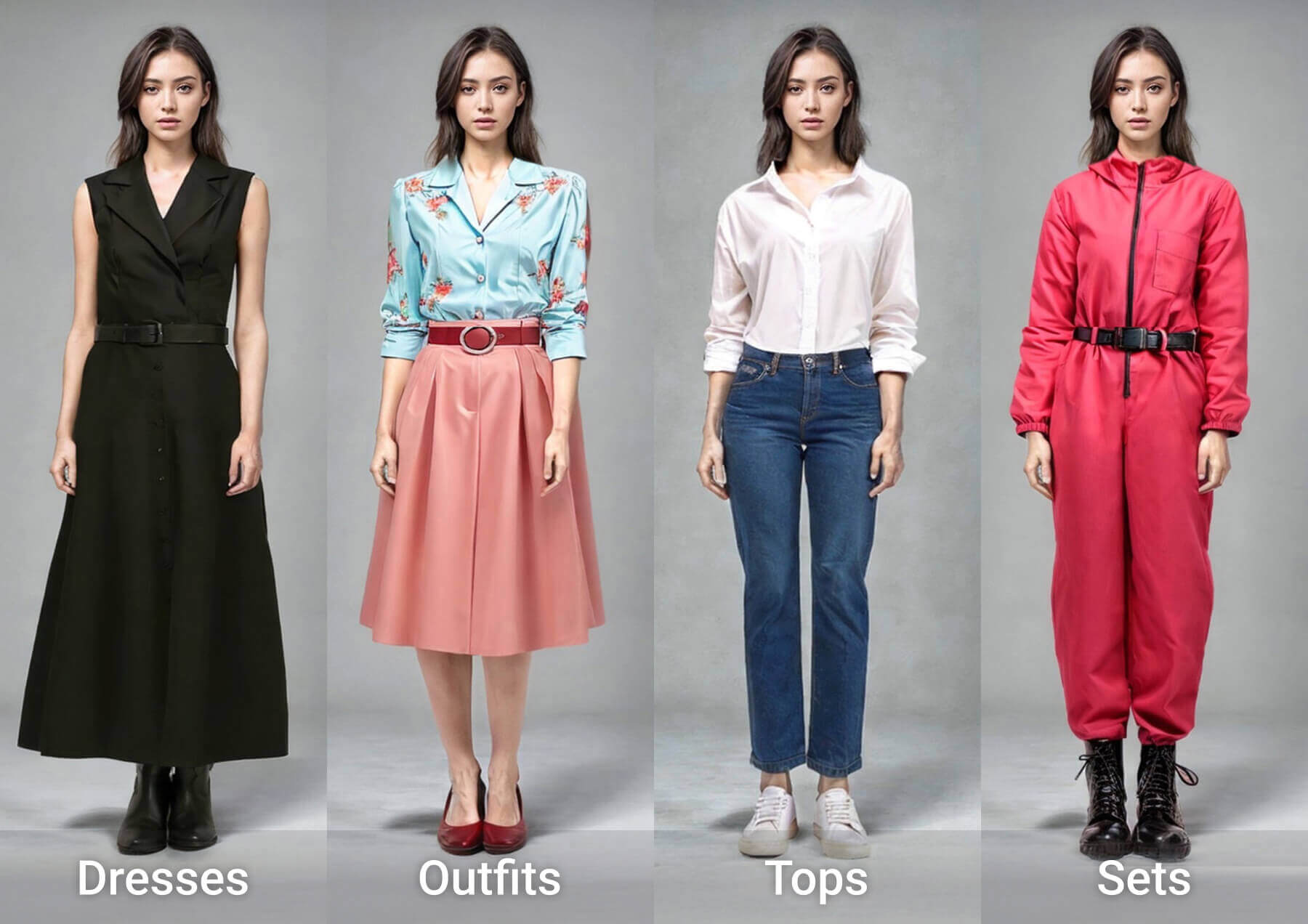

Why Choose GPT Image 2.6
Quicker iteration cycles, more reliable characters, and a fresh motion capability.
- Seamless GIF LoopsA single prompt returns a clean sequence of frames that loops without seams.
- Consistent EditsCharacters remain stable through repeated editing rounds.
- Flare & Sunburst ModesFlare prioritizes speed, while Sunburst layers in detail and consistency.
Prompting GPT Image 2.6: A Step-by-Step Guide
Three simple steps take you from a written prompt to a seamless looping GIF or a cleaner still image.
GPT Image 2.6 — Common Questions Answered
Fast answers covering availability, GIF output, and editing behavior.
Where Can I Use GPT Image 2.6?
It's available across all ChatGPT and Codex tiers, plus Flare and Sunburst through the API.
Should I Pick Flare or Sunburst?
Flare leans toward speed and layout accuracy, while Sunburst leans toward quality and consistency.
What Can I Use the GIFs For?
Ideal for campaign mascots, social memes, and storyboards before video production.
What Does the Complexity Parameter Do?
It controls how much planning the model applies — low for fast edits, higher for intricate scenes.
How Do Markup and SVG Export Work?
Markup returns through the API to pinpoint where a change should apply, and SVG export prepares designs for web, apps, and print.
How Many Images Are Created?
Roughly 4 billion images are generated each week across ChatGPT, Codex, and the API — startup Town used it for animated characters.
Start Creating with GPT Image 2.6 Today
Get started today inside ChatGPT and Codex, or choose Flare or Sunburst through the API.