
Feedback
freeTrialImage.bannerPity
freeTrialImage.upgradeUnlock
- ✓freeTrialImage.benefitHd
- ✓freeTrialImage.benefitWatermark
- ✓freeTrialImage.benefitUnlimited
MiniMax H3 Image Free
MiniMax H3 Image Free turns long prompts into native 16MP visuals and edits with up to 16 reference photos — no upscaling, no cost.
AI Tools
Explore AI tools


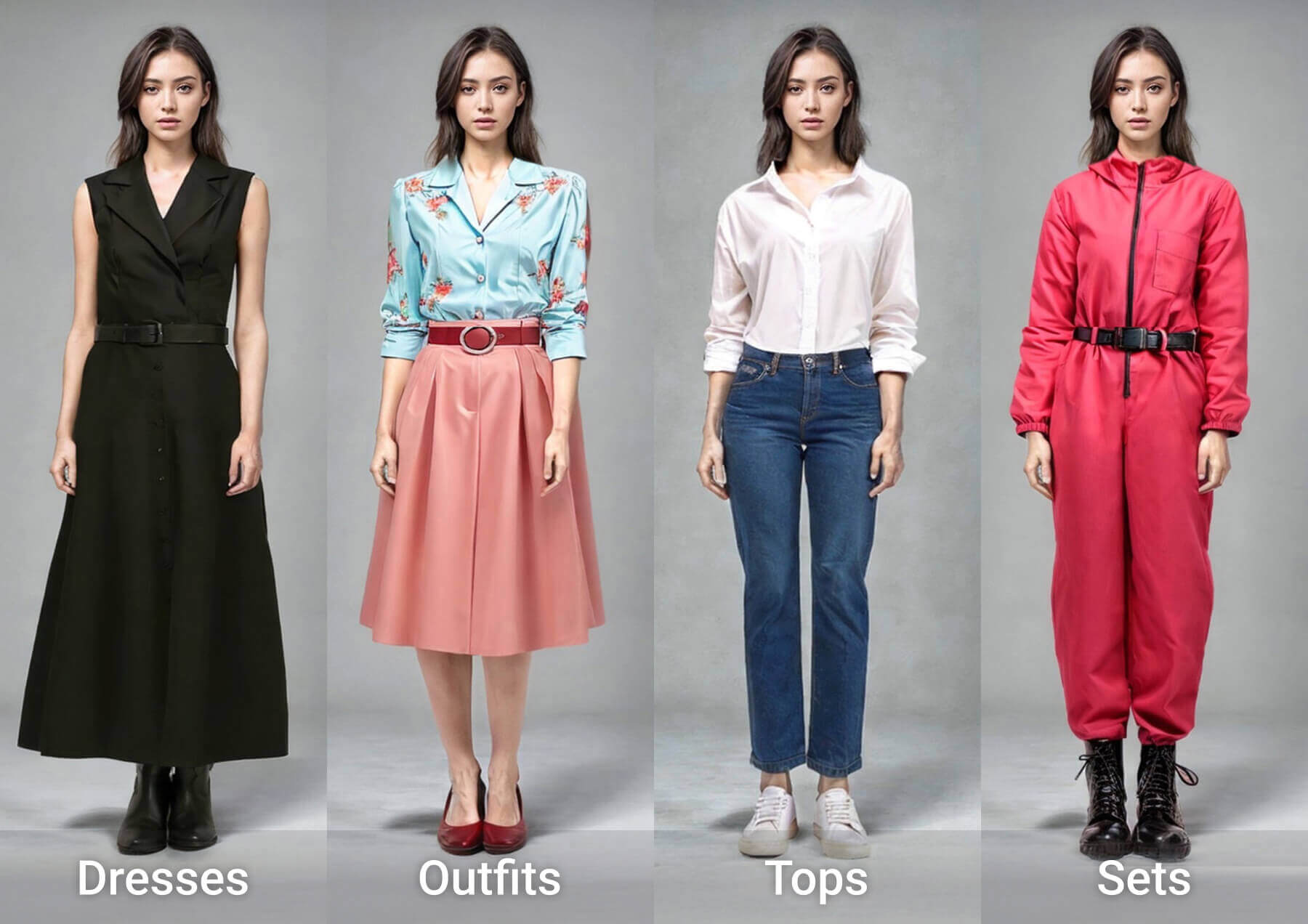

What Sets MiniMax H3 Image Free Apart
An open-weights engine designed for true 16MP renders and edits driven by multiple photos.
- True 16MP Renders, No UpscalingRoughly 16 megapixels come straight out of the model — 4096×4096 through 6272×2688 — with no separate upscale step.
- Top Instruction Following Among Open ModelsMiniMax bills it as the open-source leader here: a few rough words grow into believable characters and locations.
- Blend as Many as 16 Reference PhotosFeed in 1–16 photos and call them out in order; official demos merge nine furniture shots into a single living room.
Prompting the H3 Image Model the Right Way
Three habits that keep every render faithful to what you asked for.
MiniMax H3 Image Free: Common Questions
Quick answers about output size, reference photos, licensing and free daily access.
What exactly is MiniMax H3 Image?
An open-weights image generation and editing model from MiniMax, centred on native high resolution, precise instruction following and edits guided by as many as 16 reference photos.
Which resolutions can it output?
Roughly 16 megapixels straight from the model — from 4096×4096 square up to 6272×2688 at 21:9 — so no extra upscaling pass is required.
How many reference photos can I attach?
Anywhere from 1 to 16. Your prompt addresses them by upload order: Picture 1, Picture 2, and so on.
Are the model weights open source?
Yes — the weights are published for download and local deployment. MiniMax also ships two builds: a standard version and a faster highspeed variant.
Can I really use this model at no cost?
This page is the free entry point, with a daily quota per account. If the model has not yet been wired into the studio, Nano Banana 2.1 (up to 4K) fills in until it lands.
How does it relate to the MiniMax H3 video model?
They share the same H3 family: the image model concentrates on static high-resolution frames and reference-based editing, while the video model takes care of motion.
Generate Your 16-Megapixel Image Today
Add your reference photos or paste a complete scene description, then render a picture at roughly 16MP. Review the prompting tips and size guidance above for cleaner output.