
Feedback
freeTrialImage.bannerPity
freeTrialImage.upgradeUnlock
- ✓freeTrialImage.benefitHd
- ✓freeTrialImage.benefitWatermark
- ✓freeTrialImage.benefitUnlimited
MiniMax H3 Image Editor
MiniMax H3 Image Editor turns prompts plus up to 16 labelled references into native 16MP stills — no upscaling. Export up to 6272×2688 in one pass.
AI Tools
Explore AI tools


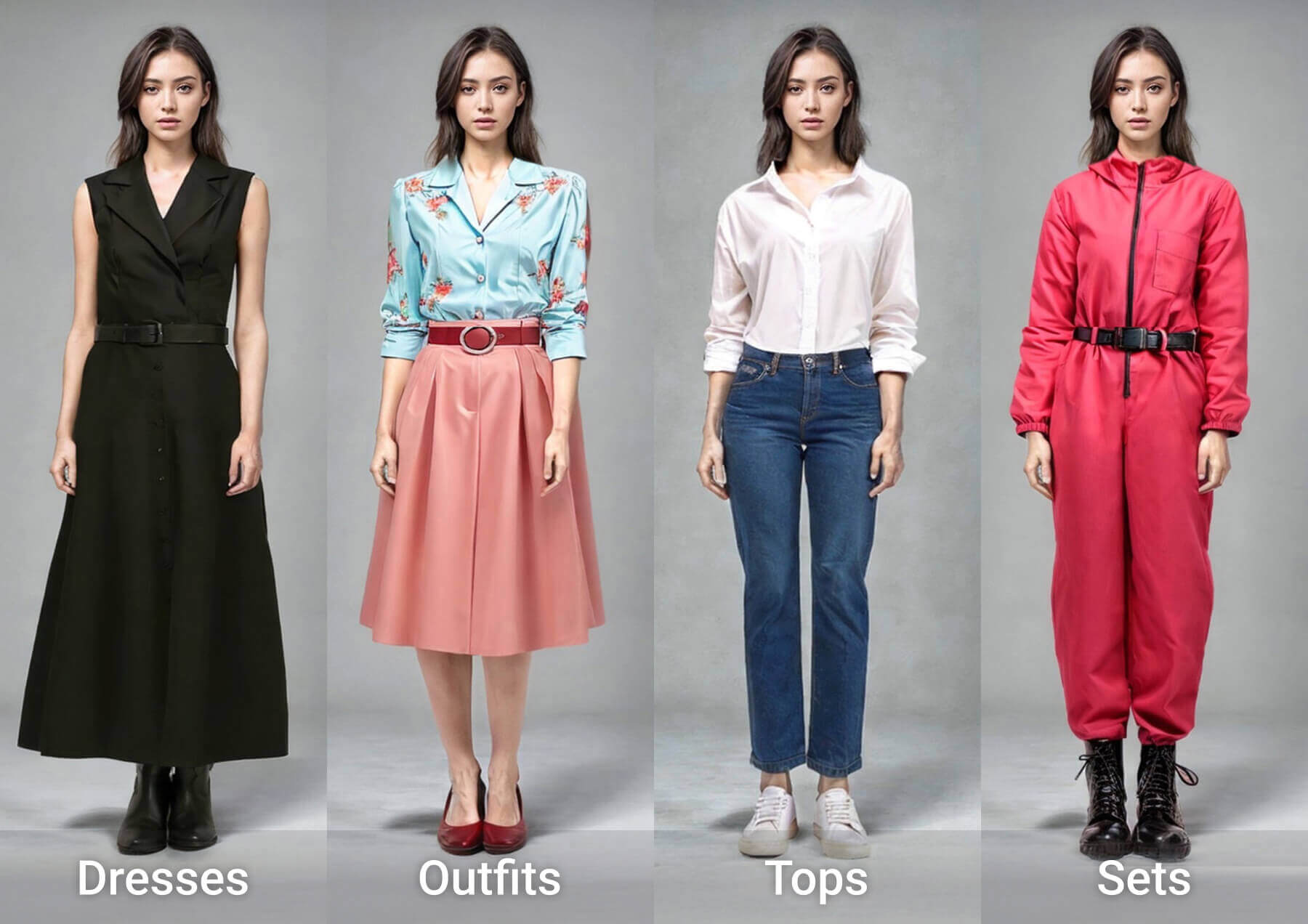

What Sets This 16MP Editor Apart
Native resolution, text that actually reasons, and multi-image edits are what separate this editor from the usual 1–4 megapixel generators.
- Native 16MP, No Upscale StepEvery render lands around 16MP and stretches to 6272×2688, so files stay print-ready straight out of the box.
- Text That Follows LogicHandles bilingual logic puzzles, keeps stamps legible and builds clean tables for infographics.
- Edits Backed by 16 ReferencesNumber as many as 16 uploads at once — nine furniture photos are enough to furnish an empty room.
Prompting the H3 Image Editor: Three Habits
Describe the full scene, size the frame near 16 megapixels and number your references first — then refine the prompt for far better H3 Image results.
MiniMax H3 Image Editor FAQ
Straight answers on output size, reference limits, open weights and when this editor goes live.
How large can the output images get?
A single pass returns roughly 16 megapixels: 4096×4096 for a 1:1 frame, opening up to 6272×2688 at 21:9. No post-upscaling required.
How many references can one edit use?
Anywhere from 1 to 16. Upload order sets the labels — the first file becomes Picture 1, the second becomes Picture 2 — and the prompt can call on any of them by name.
Are the MiniMax H3 Image weights open?
Yes. Open weights ship for local runs, and hosted Standard and Highspeed builds sit right alongside them.
Standard vs Highspeed: what changes?
Same model, different tuning. Standard leans toward fidelity while Highspeed leans toward turnaround, so you simply choose your spot on the speed-versus-quality curve.
How does it relate to the MiniMax H3 video model?
Both sit in one H3 family: this model produces stills, while the MiniMax H3 entry in our video catalogue produces moving footage.
Can I use the editor on GoEnhance today?
Not yet — MiniMax H3 Image has not been added to GoEnhance, and this page changes the day it goes live. Until then, Nano Banana 2.1 handles text-to-image with 4K output, clean lettering and several reference slots.
Start Creating With Nano Banana 2.1 Today
The MiniMax H3 Image Editor has not reached GoEnhance yet. Head to our text-to-image studio and work with Nano Banana 2.1 instead — up to 4K, crisp lettering, several references — and this page updates the moment it lands.