Midjourney AI Image Generator
Type an idea or drop a photo and let Midjourney AI Image Generator render crisp 2K/4K art in moments — no design skills, no installs, mobile-friendly.
Feedback
AI Tools
Explore AI tools
Muse Video
Seedance2.5
The Future of AI Video Is Here.
Seedance 2.0
The Future of AI Video Is Here.

Veo3.1
Create Stunning Videos with Veo3.1
Grok Video Generator
Create Videos from Text or Images with AI
MiniMax H3 video generator
MiniMax H3 AI Video Generator
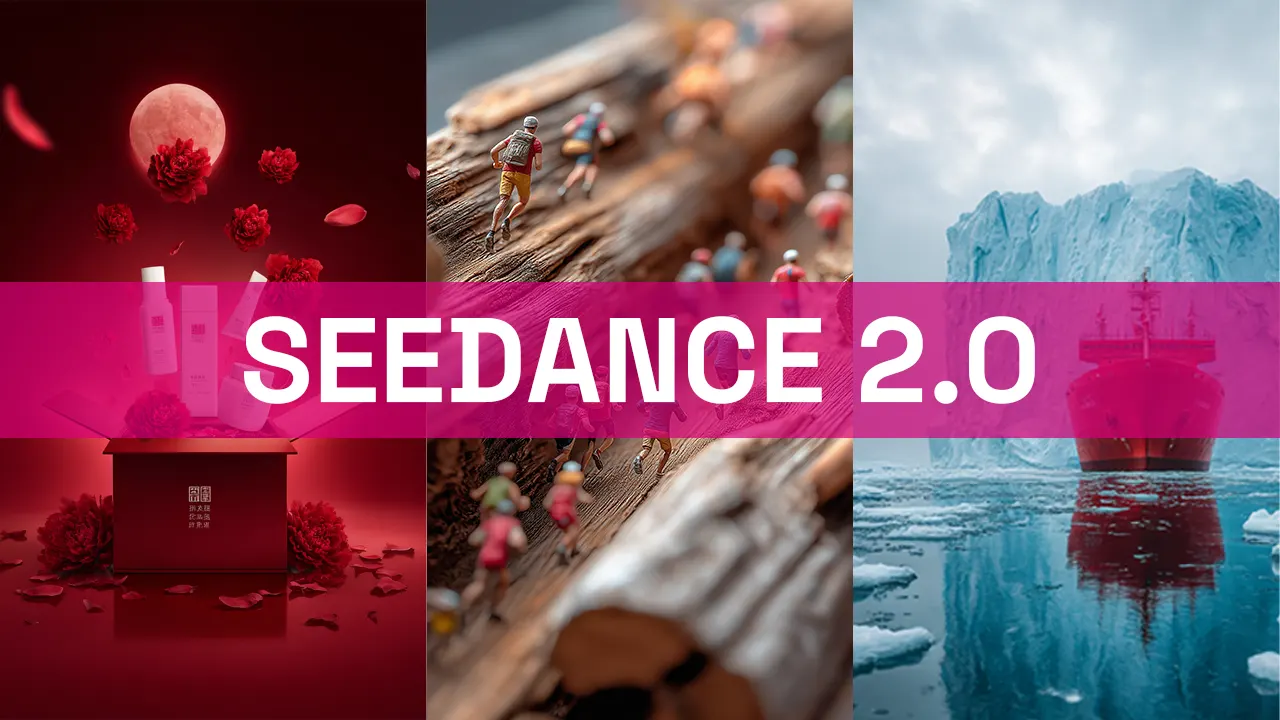
Seedance 2.0
The Future of AI Video Is Here.
Gemini Omni 1.2 Flash
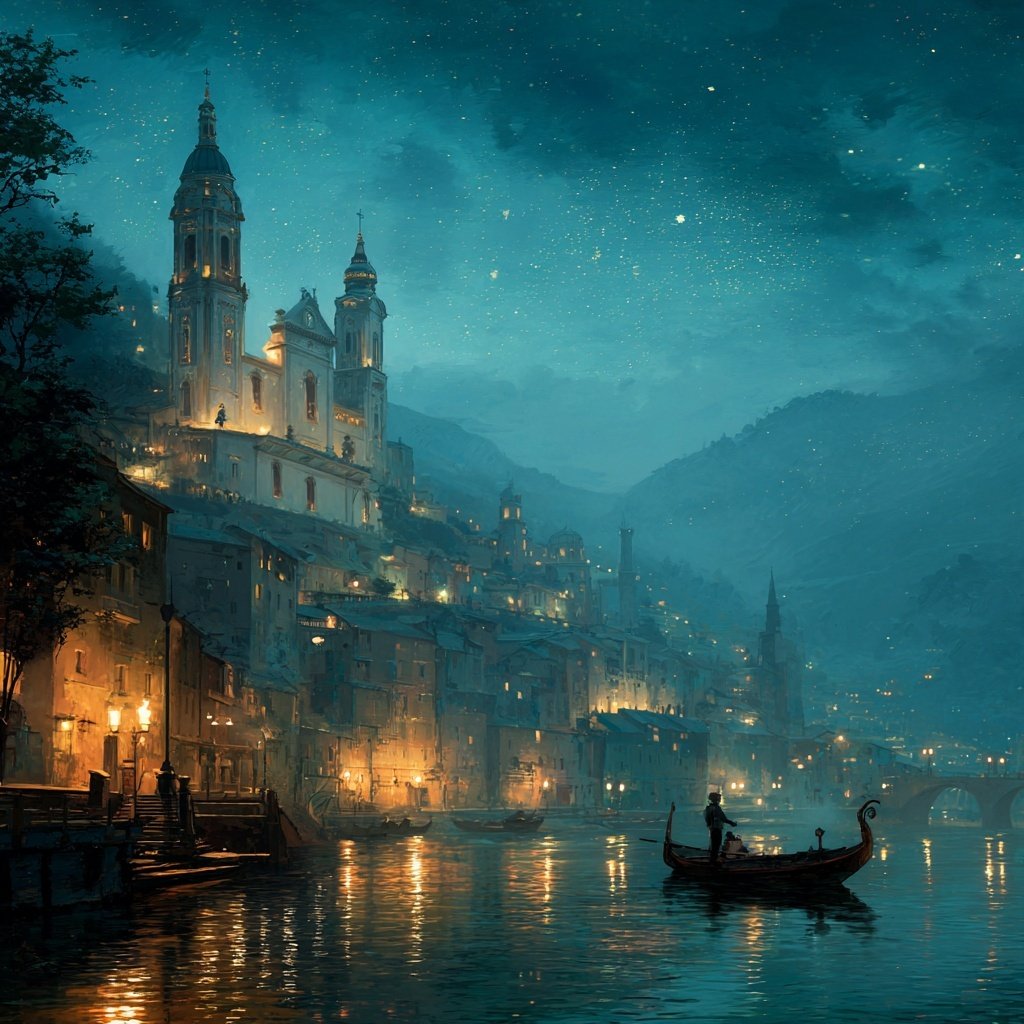
A Closer Look at the Midjourney AI Image Generator
Give it a sentence or a photo and it hands back polished, high-resolution visuals — the Midjourney AI Image Generator keeps the whole workflow on your phone.
- Prompt UnderstandingThe engine parses subject, lighting and style cues so each scene lands close to what you pictured.
- Rapid RenderingMost frames arrive in a minute or two, letting you iterate while the idea is still fresh.
- Studio-Grade OutputExports stay sharp enough for client decks, social feeds and print without extra retouching.
Midjourney AI Image Generator advantages
Midjourney AI Image Generator delivers precise rendering, sharp 2K/4K quality, and fast edits for stunning visuals.

From Idea to Image in Three Steps
Pick a mode, describe what you have in mind, and the Midjourney AI Image Generator handles the rest.
Inside the Midjourney AI Image Generator
Sharp 2K/4K exports, faithful prompt handling and quick turnaround — that is what this Midjourney AI Image Generator adds to your creative work.
Lifelike Faces
Skin, hair and expression stay natural rather than plastic.
Editable Text
Correct spelling or swap wording inside a render without starting over.
Context Awareness
Objects keep sensible relationships, so busy scenes stay coherent.
Fast Turnaround
Most jobs finish within a couple of minutes, ready to download.
Prompt Fidelity
Composition, palette and mood follow your description closely.
Bulk Runs
Queue several prompts at once and collect the full set later.
Midjourney AI Image Generator: Common Questions
Straight answers on output quality, speed, licensing and how the tool works day to day.
What does a Midjourney AI Image Generator actually do?
It converts a written prompt or a reference photo into finished artwork — character portraits, product mockups, landscapes — at 2K or 4K resolution.
Which styles can it handle?
Portraits, product shots, landscapes, concept art and posters are all fair game; the model adapts to whatever direction you give it.
How long does one render take?
Usually one to two minutes. Queues stretch slightly at peak hours, and the progress bar tracks each stage.
Are the results downloadable?
Yes. Save any finished image in full resolution, and earlier renders stay in your gallery for later.
Can I use the output commercially?
It depends on your plan and the licence attached to it, so check the terms before publishing paid work.
Do I need design experience?
Not at all. If you can describe an idea in a sentence, you can produce a finished visual — no plugins or desktop software required.
Start Creating With the Midjourney AI Image Generator
Describe your next idea and watch it turn into a polished 2K/4K image — try the Midjourney AI Image Generator free.