
AI Design Tool
Create logos, social posts, and ad banners from a simple prompt with our AI Design Tool—fast, free to try, and ready for real projects.
Feedback

freeTrialImage.bannerPity
freeTrialImage.upgradeUnlock
- ✓freeTrialImage.benefitHd
- ✓freeTrialImage.benefitWatermark
- ✓freeTrialImage.benefitUnlimited
AI Tools
Explore AI tools
Muse Video
Seedance2.5
The Future of AI Video Is Here.

Seedance 2.0
The Future of AI Video Is Here.

Veo3.1
Create Stunning Videos with Veo3.1
Grok Video Generator
Create Videos from Text or Images with AI
MiniMax H3 video generator
MiniMax H3 AI Video Generator

Seedance 2.0
The Future of AI Video Is Here.

Gemini Omni 1.2 Flash
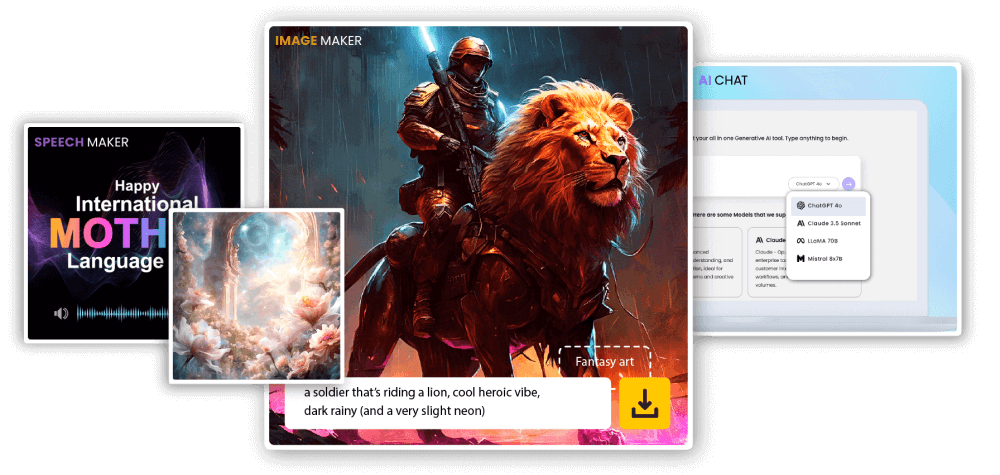
What makes this AI Design Tool stand out
Go from a brief to polished web, ad, and social visuals with an AI design assistant built for speed and consistency.
- Balanced LayoutsAutomatically arranges elements into clean, balanced compositions that look intentional.
- Rapid DraftingProduce several design directions in minutes, then pick the strongest one.
- Ready for Brand UseDownload finished visuals that are ready to publish or hand off to your team.
What you can make with AI Design Tool
Create on-brand visuals faster with fewer steps.
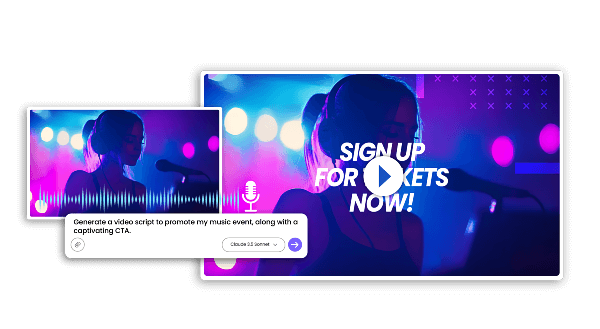
How the AI Design Tool works
Follow three simple steps to go from idea to downloadable design.
Features that make this AI Design Tool useful
Smart templates, quick adjustments, and fast export options keep everyday design work moving.
Layout Templates
Begin with structured layouts that already look polished.
Quick Adjustments
Update copy, colors, and spacing without starting over.
Brief-Aware AI
Reads your instructions and turns them into relevant visual choices.
Speedy Output
Get multiple design options without long waits.
Unified Look
Maintain a consistent visual style across every asset.
Format Flexibility
Adapt one design for different sizes, channels, and campaigns.
Common questions about this AI Design Tool
Find clear answers before you start creating with our AI design assistant.
What does an AI Design Tool do?
It turns a short brief or prompt into design assets such as logos, posts, banners, and brand visuals.
Which designs can I create?
You can generate logos, social media graphics, ad banners, and other brand visuals.
How quickly are designs ready?
Most designs are generated within a few minutes, depending on the model and detail.
Can I save and download the results?
Yes. Once a design is generated, you can download it for use in your projects.
Are commercial rights included?
Commercial usage depends on the plan or license you choose, so check the terms before publishing.
What makes this AI Design Tool worth trying?
It reduces production time while helping your visuals stay consistent across channels.
Start creating with our AI Design Tool
Turn your next brief into polished visuals with an AI design platform that is free to try.