
AI Outfit Generator
Upload one photo and let our AI Outfit Generator restyle it in seconds — new clothes, same face, same pose, no manual retouching needed.
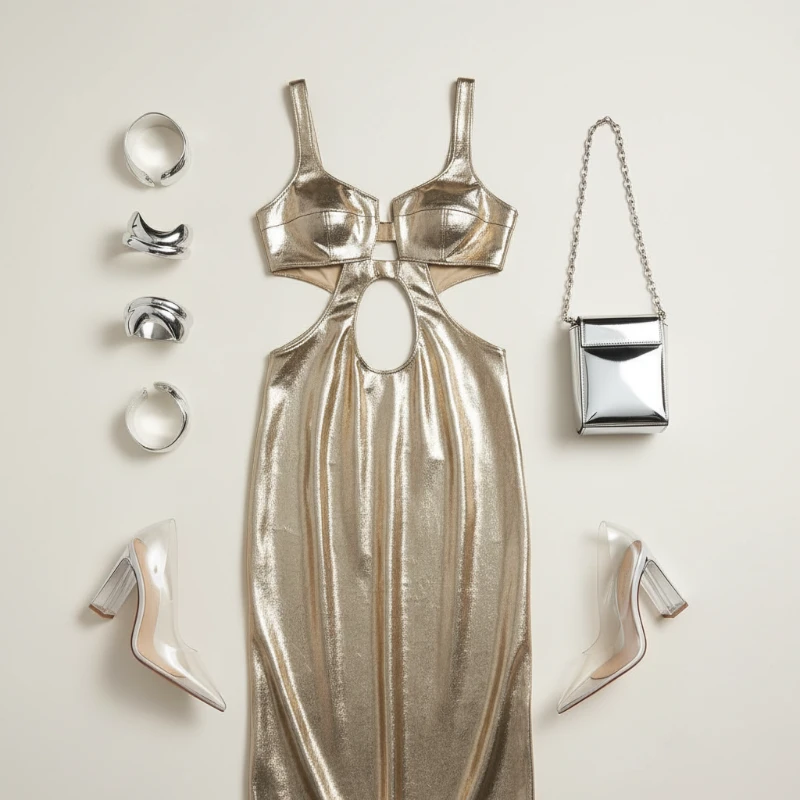
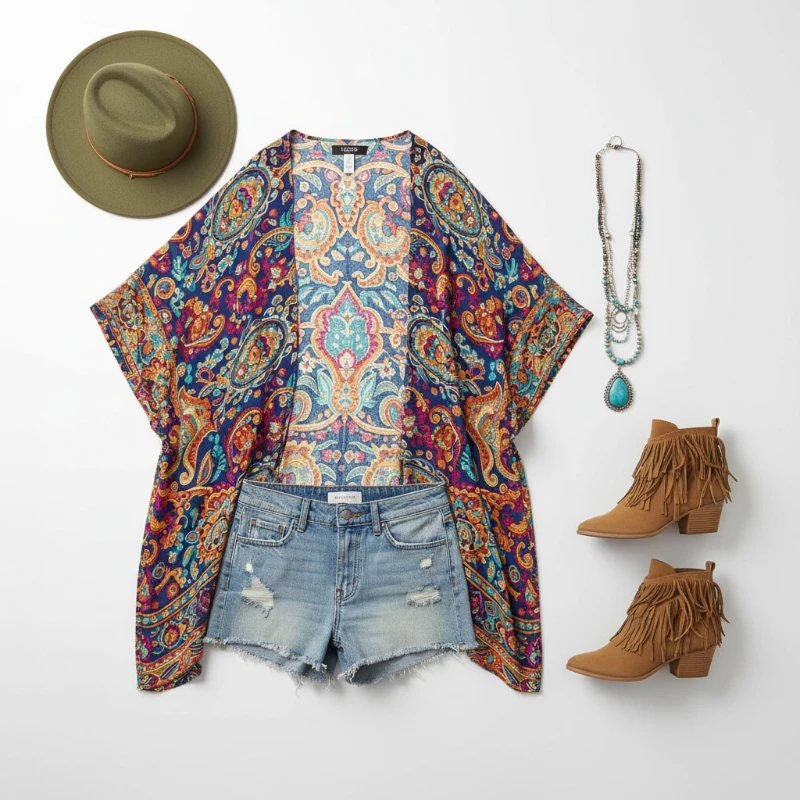
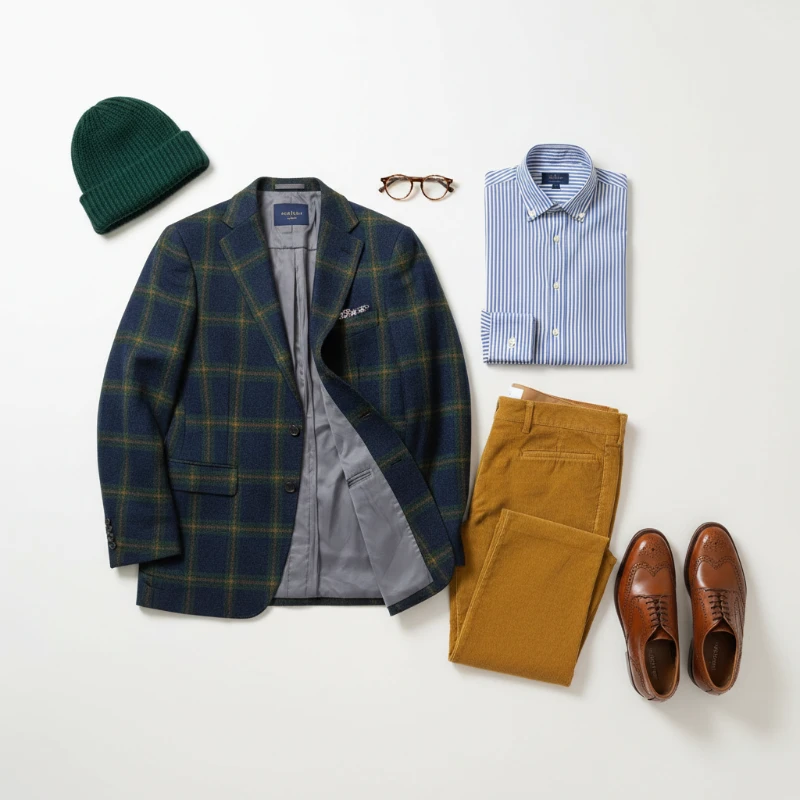
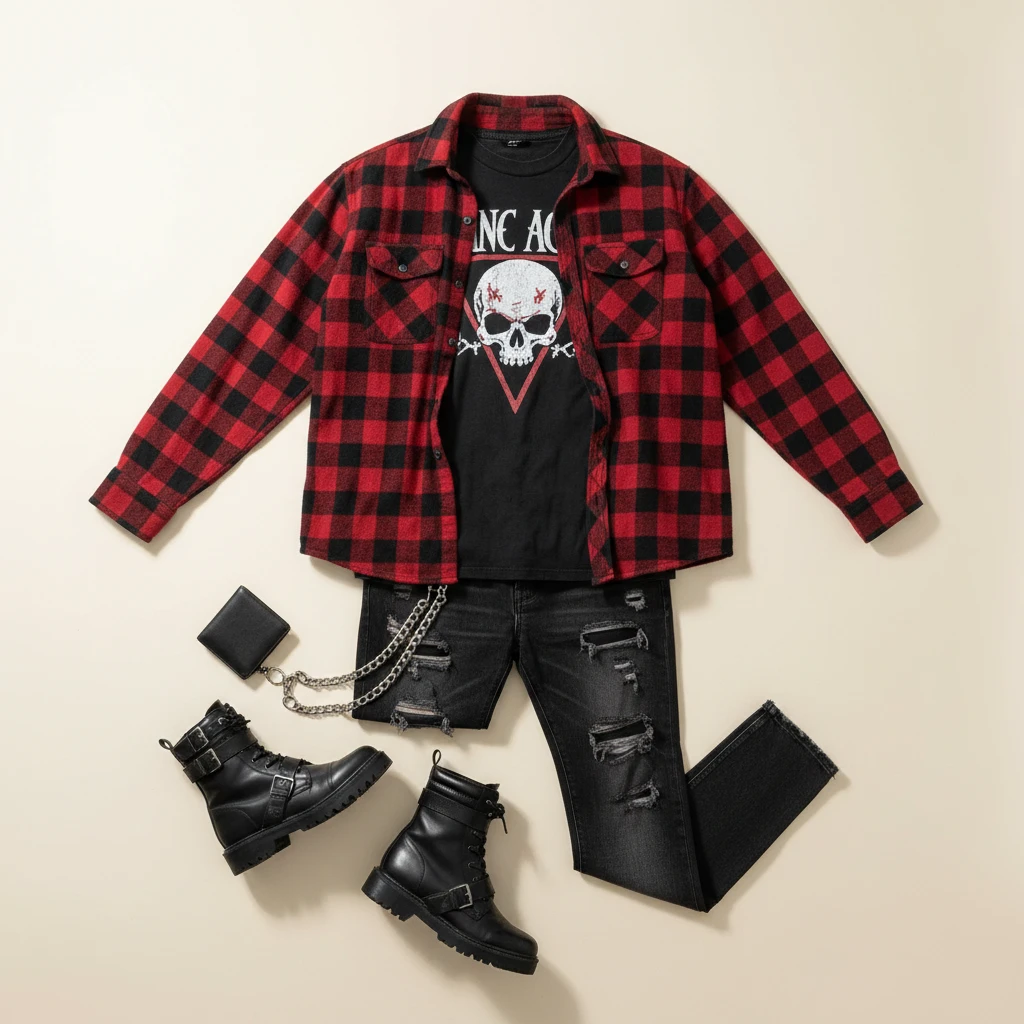
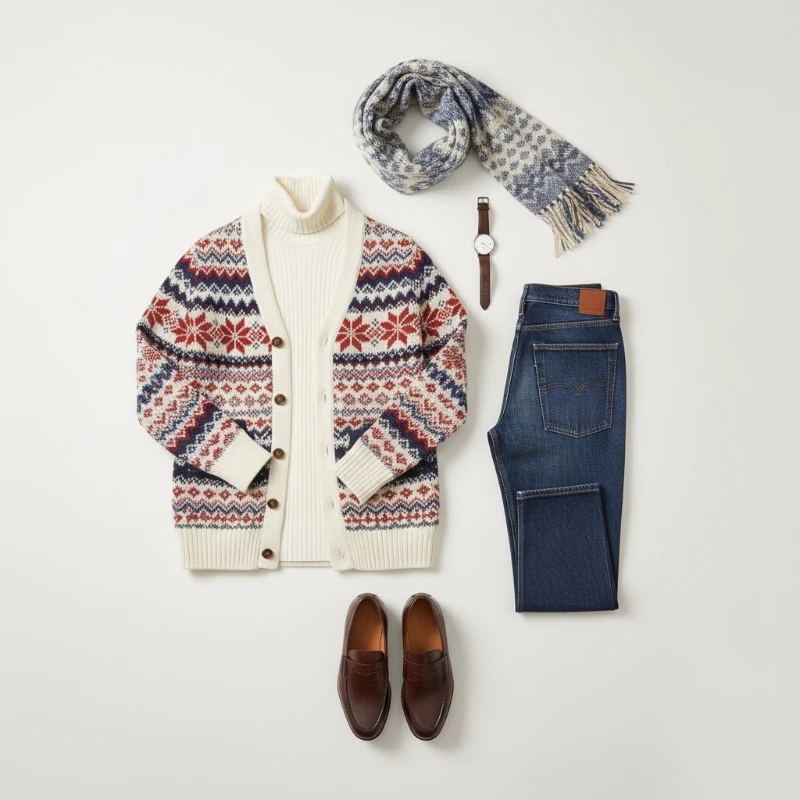
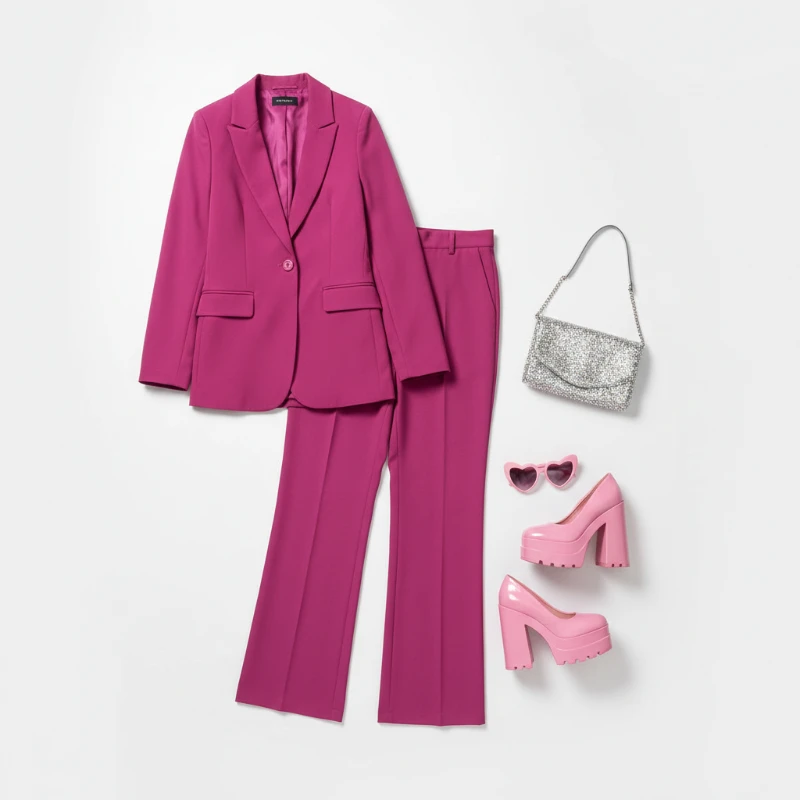
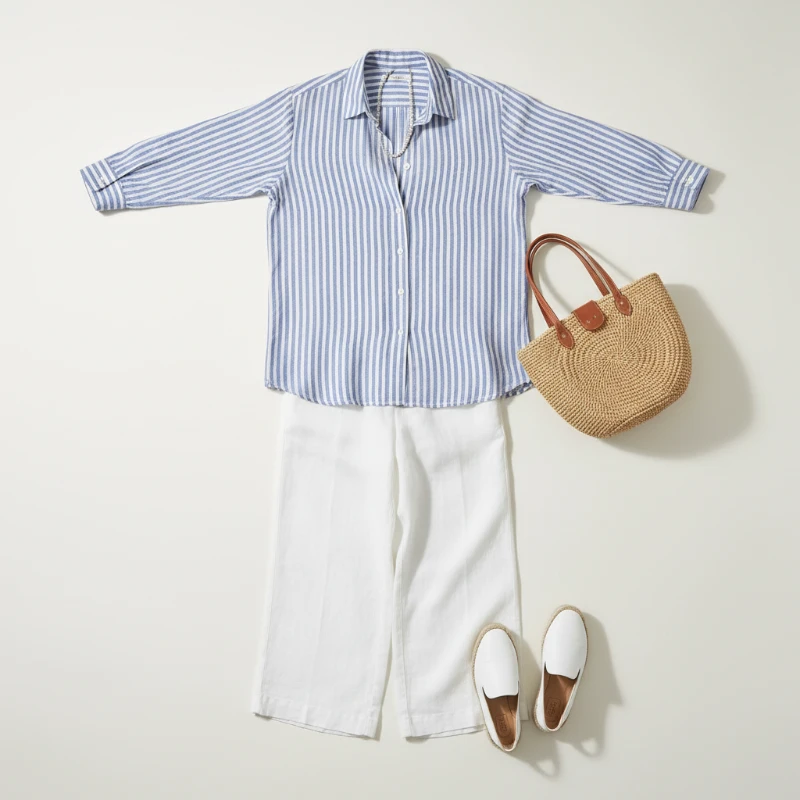
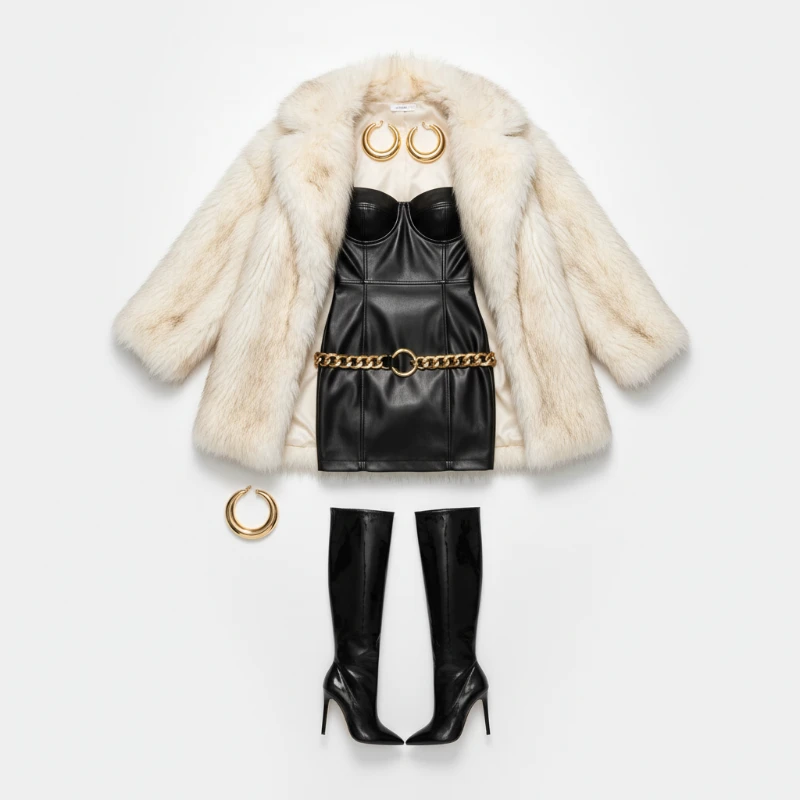
Feedback
AI Creative Tools
Explore AI creative tools


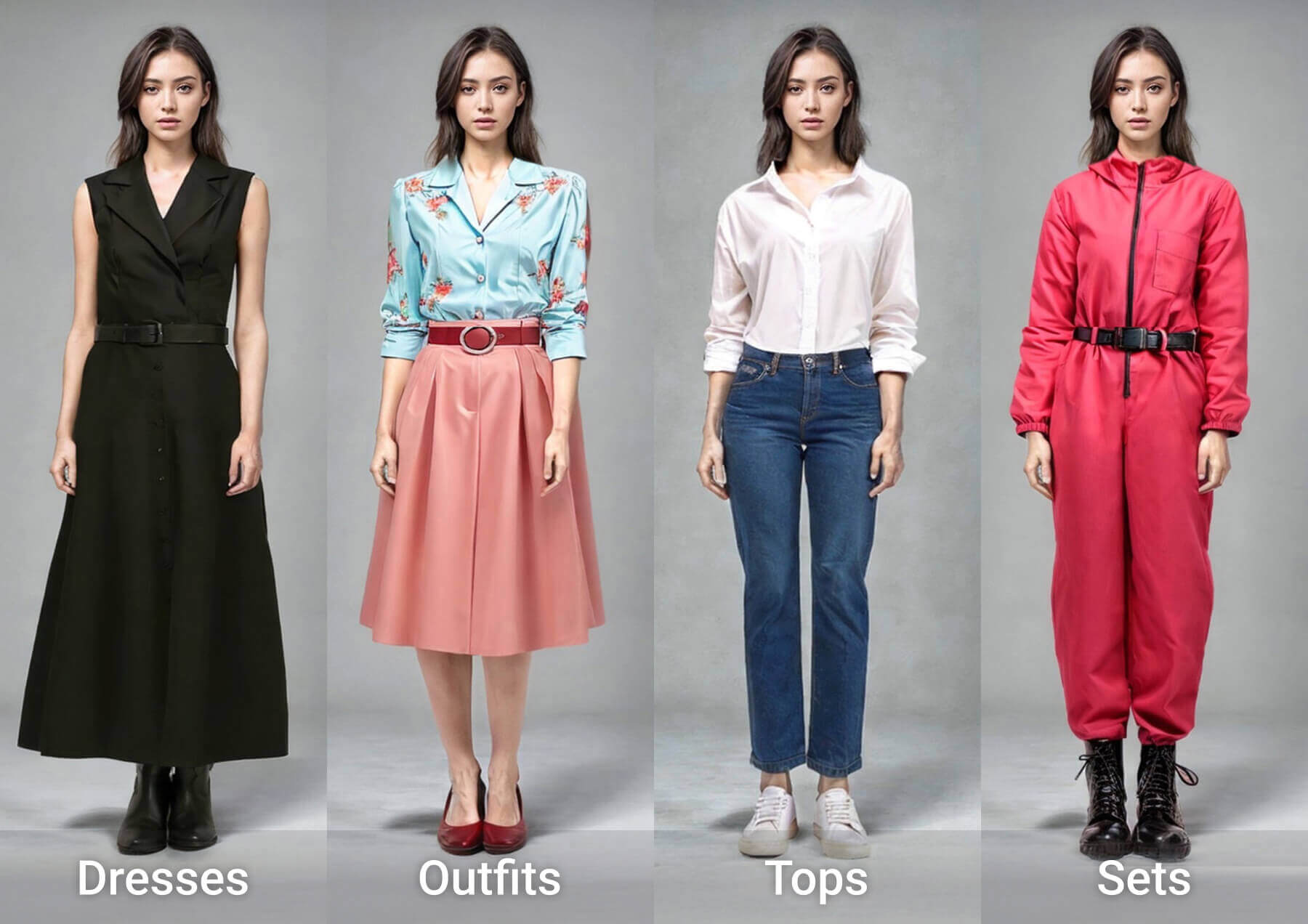
Outfit Editing Made Effortless
Swap what you wear in a single click — the AI Outfit Generator keeps every face, shadow and fabric detail true to the original shot.
- True-to-Life Clothing SwapsThe AI Outfit Generator replaces garments naturally, keeping the subject's pose, body shape and facial features untouched.
- Seconds, Not HoursEach render lands in moments, so you can test several looks back to back without waiting around.
- Crisp Fabric DetailTextures, folds and lighting blend into the original photo, so finished edits never look pasted on.
Why Choose AI Outfit Generator
Natural swaps, quick processing, and easy sharing with AI Outfit Generator.
Three Steps With the AI Outfit Generator
Upload a portrait, pick a preset style or your own reference garment, then let the AI Outfit Generator render and download your new look.
What You Get With Every Render
Realistic swaps, precise style control and fast, mobile-ready results — here is what the AI Outfit Generator delivers on every render.
Accurate Garment Replacement
The clothes change, the person does not — faces and body proportions stay identical.
Fine Style Control
Adjust cut, colour and fabric mood until the look matches your brief.
Seamless Blending
Light, shadow and texture from the original scene carry over into the new outfit.
Quick Turnaround
Renders land in about a minute, sized for mobile feeds and social posts.
High-Resolution Output
Download sharp images that hold up in lookbooks, listings and print.
No Learning Curve
Upload, choose, download — three clicks and you are done, no editing skills required.
Questions About the AI Outfit Generator
Photo requirements, speed, pricing and output quality — the answers people look for before their first AI Outfit Generator run.
What exactly does this outfit tool do?
It replaces the clothing in a photo with a new outfit while keeping the same person, pose and background intact.
Which photos give the best results?
Sharp, well-lit portraits or full-body shots work best; avoid heavy blur, deep shadows or clothing that hides the body shape.
How long until I see my edit?
Most swaps finish in one to two minutes, though busy queues or complex garments can add a little time.
Can I save and reuse the image?
Yes. Download the finished photo in high resolution and use it for social posts, mockups or client previews.
Do I need to pay to try it?
You can test the tool with free credits; paid plans unlock more generations and faster queue priority.
Why not just retouch the photo by hand?
Manual clothing replacement takes hours of masking and blending. Here it takes one click and keeps lighting consistent.
Your Next Look Is One Click Away
Try the AI Outfit Generator free and see a natural outfit swap in under two minutes — no design skills, no software installs.