
AI Virtual Try On
Upload a photo, pick an outfit, and let AI Virtual Try On show true-to-life fit, fabric texture and lighting in seconds — no studio needed.
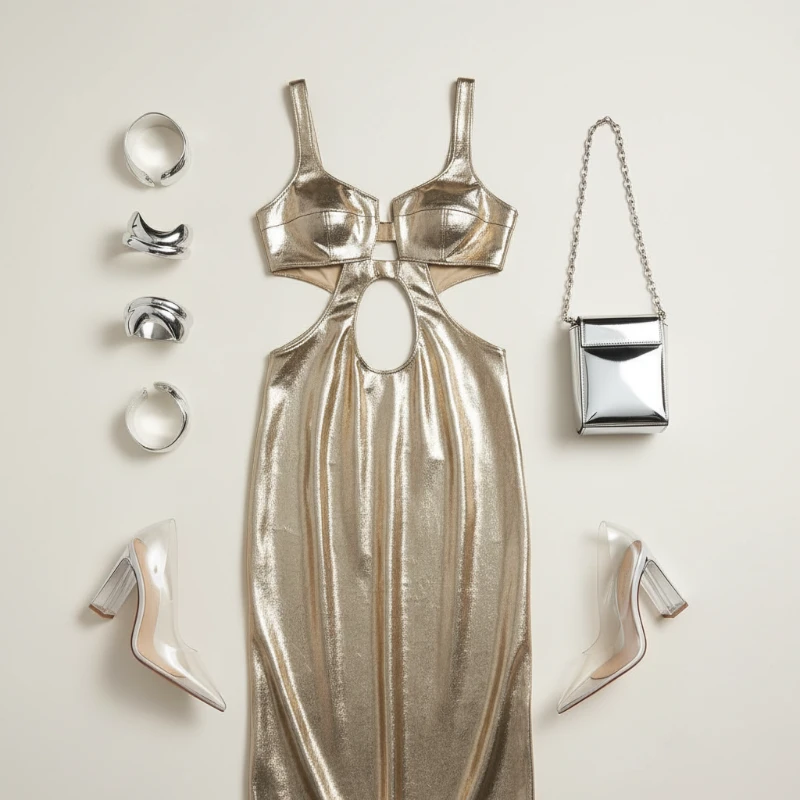
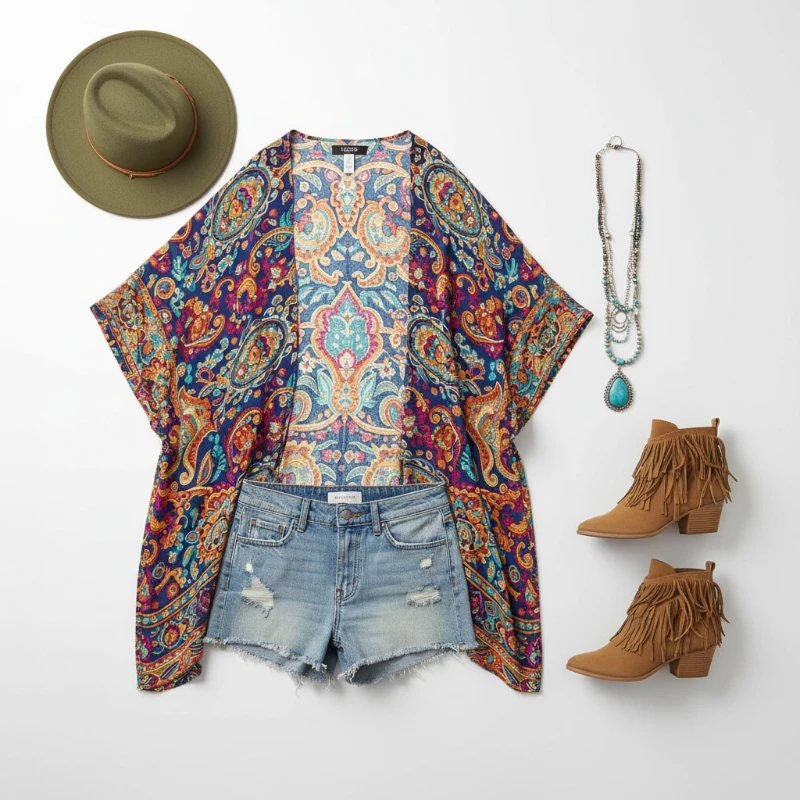
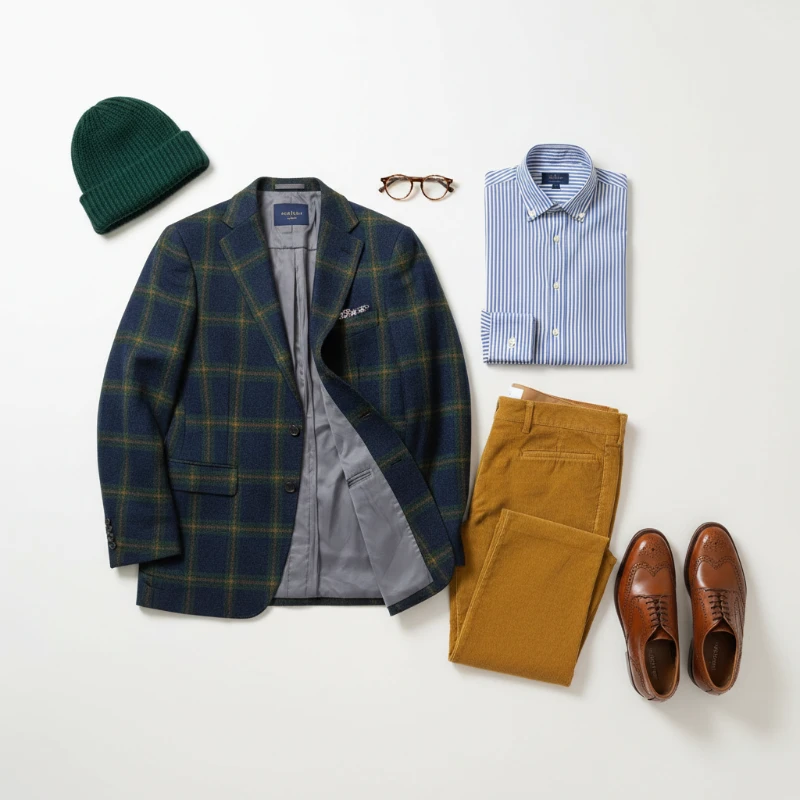
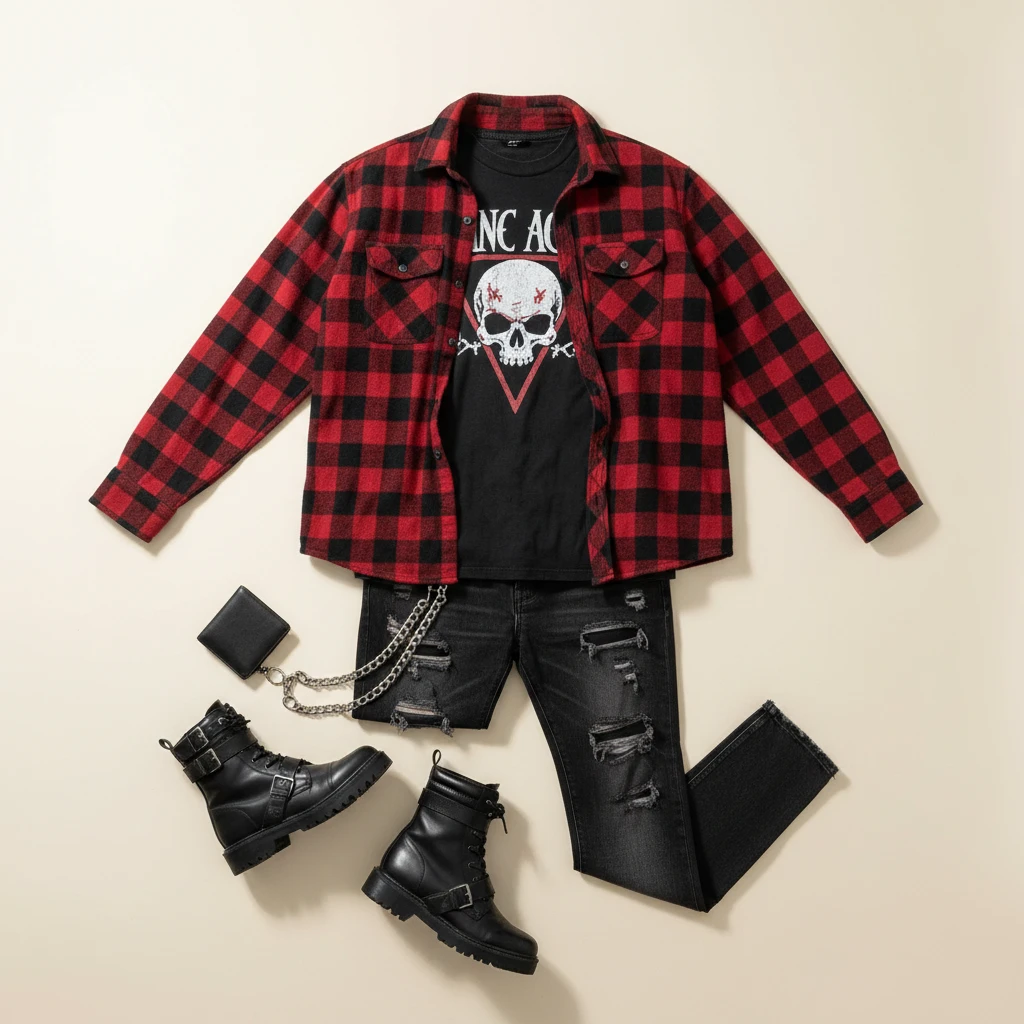
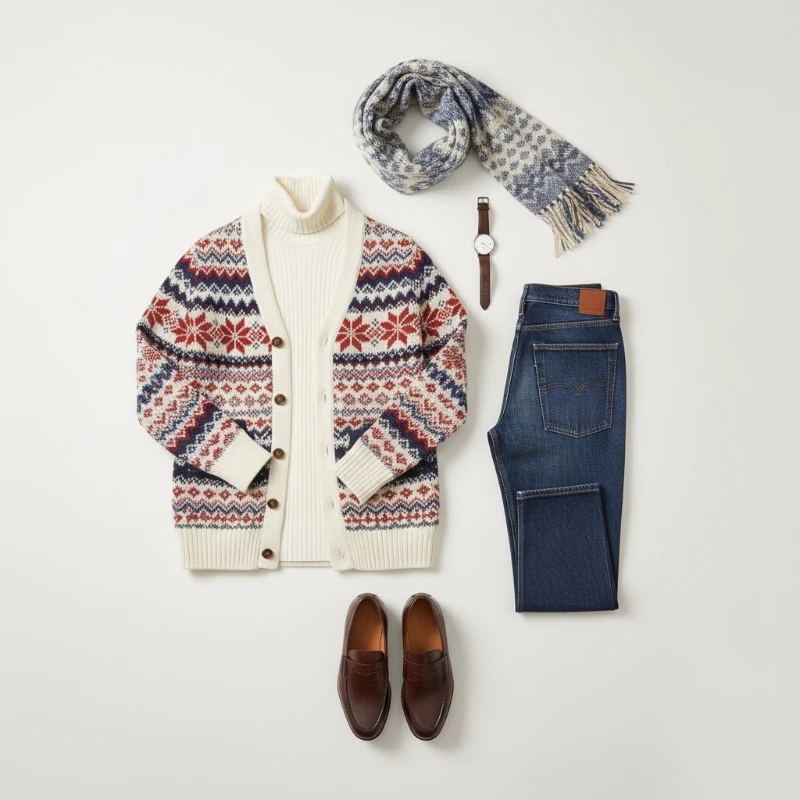
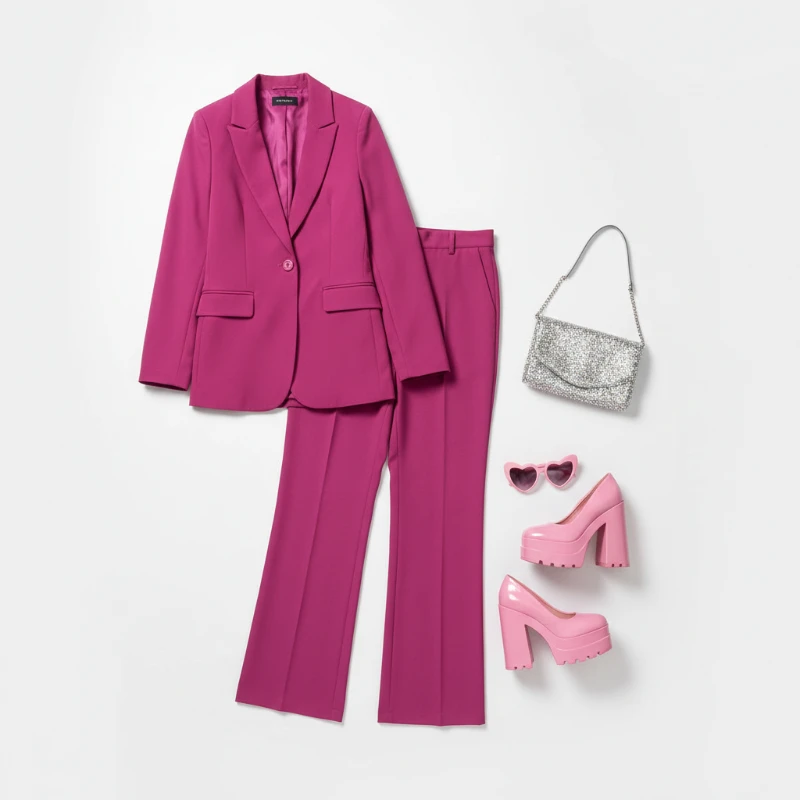
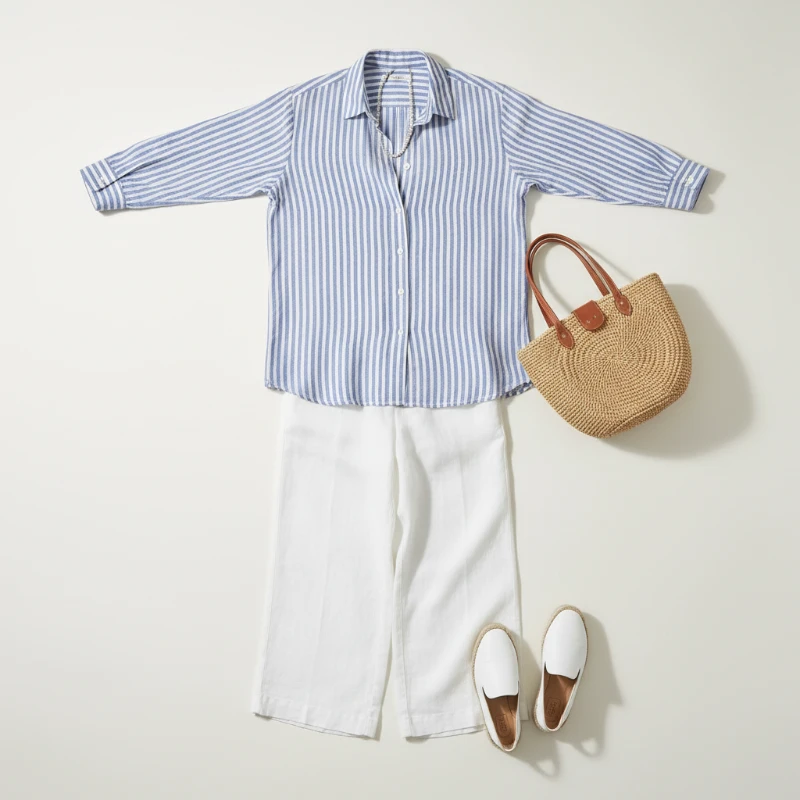
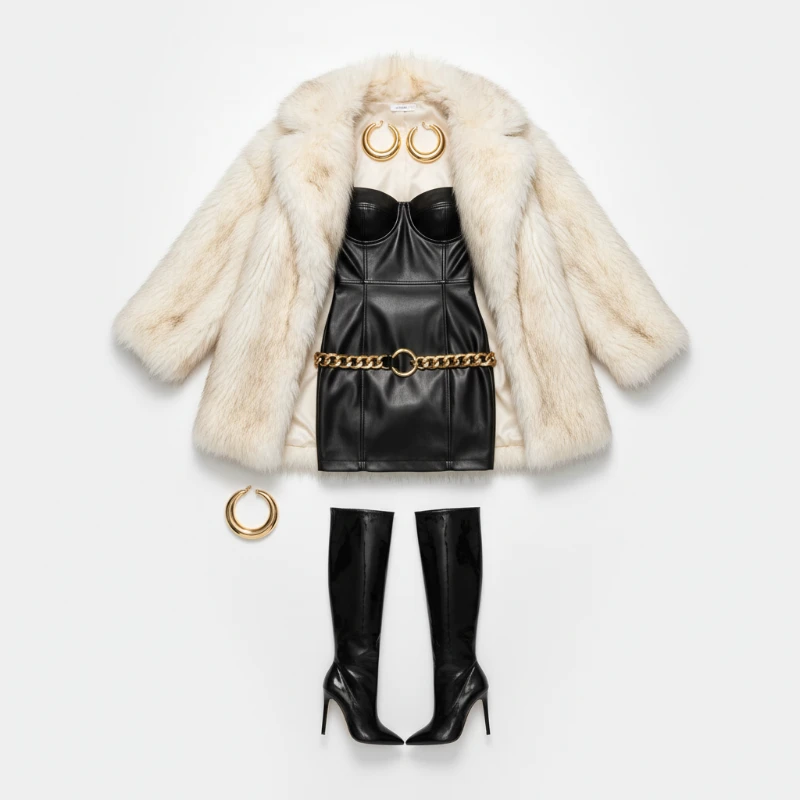
Feedback
AI Creative Tools
Explore AI creative tools


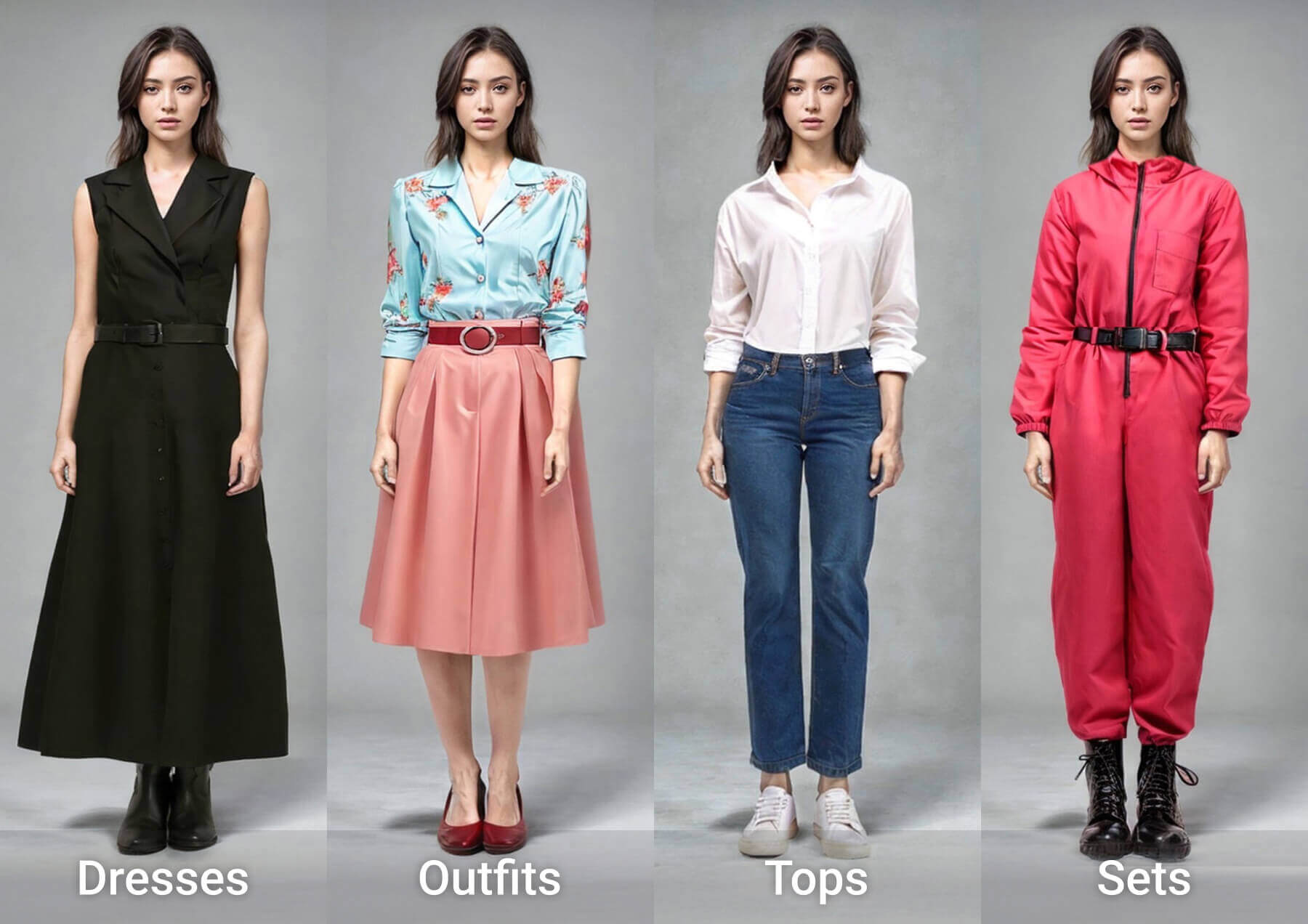
What AI Virtual Try On Does Differently
Swap garments on a single photo and judge the fit, drape and colour before you buy — powered by AI Virtual Try On.
- Garment Swaps That Look RealNew clothes sit on your frame with matching shadows, folds and proportions — your face stays exactly as it is.
- Seconds, Not SessionsPolished renders arrive in moments, so you can compare several looks and share the best one right away.
- Studio-Grade DetailFabric weave, sheen and lighting stay consistent, giving you images that are ready to post or publish.
Why Choose AI Virtual Try On
Accurate fit previews, quick processing, and easy sharing for e‑commerce and social use.
How AI Virtual Try On Works in Three Steps
Snap or upload a picture, pick a preset or your own garment reference, then let the model dress you — download the result in minutes.
Capabilities That Make Try-Ons Convincing
Fine control over style, colour and fit, plus fast mobile-ready rendering — the technical side of AI Virtual Try On.
Identity-Safe Swaps
Clothing changes; the person does not. Facial features, hair and posture remain untouched.
Style and Colour Control
Nudge hue, cut and silhouette until the look matches the brief you have in mind.
Coherent Blending
Light direction, contact shadows and cloth texture line up so nothing looks pasted on.
Quick Turnaround
Renders are tuned for phones and storefront pipelines, so edits never stall your day.
Publish-Ready Files
Crisp, high-resolution exports that hold up on product pages, ads and social feeds.
Frictionless Flow
Upload, preview, export — a short loop that lets you iterate on looks in minutes.
Questions About AI Virtual Try On, Answered
Everything shoppers and sellers ask before their first AI Virtual Try On render — quality, speed and cost.
What exactly does AI Virtual Try On do?
It redraws your photo with a different garment while keeping your face, body and stance recognisable, so you can judge a look before buying.
Which photo should I start with?
Front-facing portraits or full-body shots in even daylight give the cleanest result; avoid heavy filters or cropped limbs.
How fast is the render?
Usually one to two minutes per image, depending on how complex the outfit is and how busy the queue is.
Are the results downloadable?
Yes — export high-resolution files without a watermark, ready for listings, lookbooks or social posts.
Do I need to pay to start?
You can test the tool with free credits; paid plans unlock more renders and priority processing.
Why not just order and return?
Trying looks on online removes the guesswork, cuts down on returns and gives creators a fast way to build outfit content.
Put AI Virtual Try On to Work
Upload a photo, choose a look and get a lifelike preview in minutes — start free, no design skills needed.