
Image To Sketch
Turn any photo into a hand-drawn sketch in seconds. Free AI image to sketch tool with pencil, charcoal and ink styles — no signup, no watermark.
Feedback

freeTrialImage.bannerPity
freeTrialImage.upgradeUnlock
- ✓freeTrialImage.benefitHd
- ✓freeTrialImage.benefitWatermark
- ✓freeTrialImage.benefitUnlimited
AI Tools
Explore AI tools
Muse Video
Seedance2.5
The Future of AI Video Is Here.

Seedance 2.0
The Future of AI Video Is Here.

Veo3.1
Create Stunning Videos with Veo3.1
Grok Video Generator
Create Videos from Text or Images with AI
MiniMax H3 video generator
MiniMax H3 AI Video Generator

Seedance 2.0
The Future of AI Video Is Here.

Gemini Omni 1.2 Flash
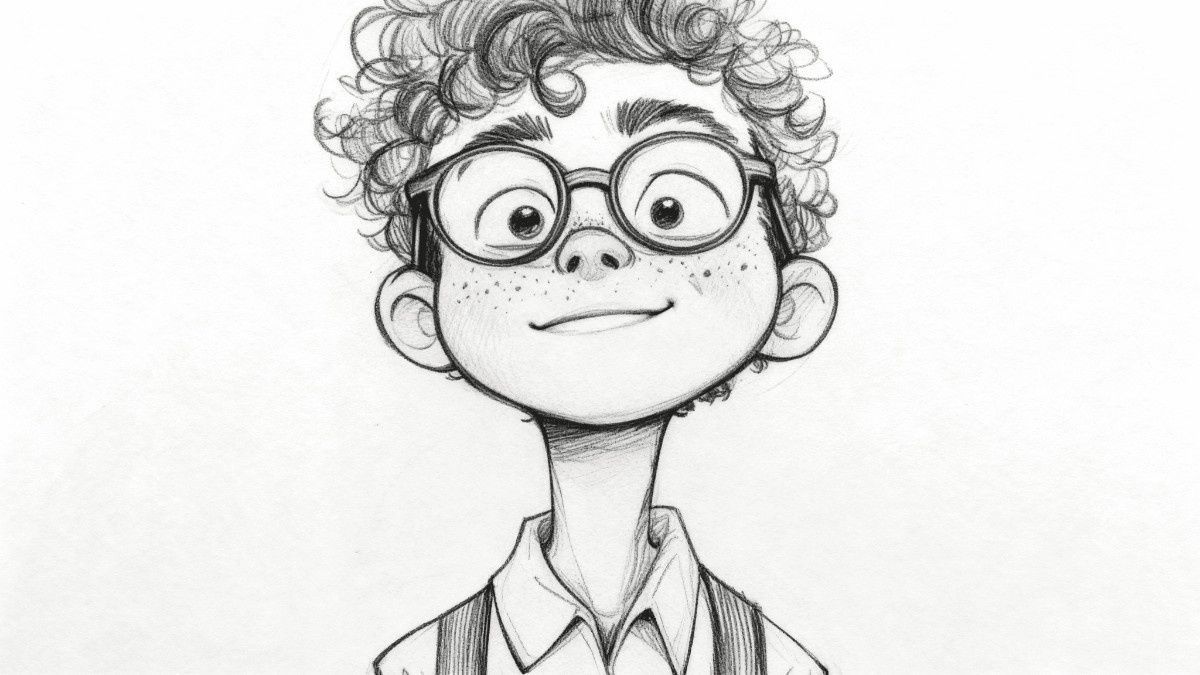
Turn Any Photo Into Art With an Image To Sketch Converter
This AI image to sketch converter redraws your photos as pencil, charcoal, ink or watercolor artwork. Nothing to install — everything runs online, free.
- Dozens of Sketch StylesPencil, charcoal, ink, watercolor and more.
- Seconds, Not HoursEach photo is redrawn in a few seconds.
- Crisp High ResolutionDetailed output that stays sharp when printed.
Why Use AI Image to Sketch Converter?
AI Image to Sketch Converter offers multiple artistic styles, batch conversion, and high-quality outputs. Perfect for creative projects.
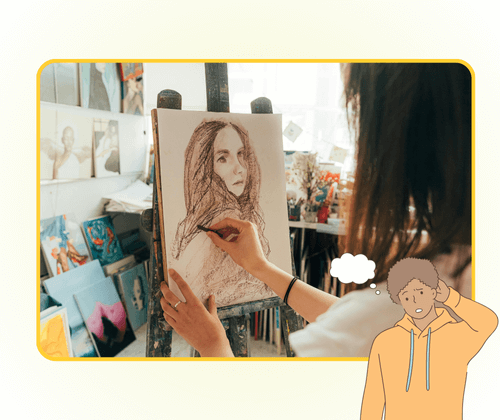
How the Image To Sketch Converter Works
Three quick steps: add a photo, choose a drawing style, then download the finished sketch — no editing skills needed.
What This Image To Sketch Converter Can Do
One sketch tool with every drawing style you need — bulk uploads, faithful detail and print-ready resolution in a single click.
Pencil Drawing
Soft graphite lines that mimic a real pencil sketch.
Charcoal Effects
Deep, dramatic shading with bold charcoal texture.
Ink Line Art
Crisp black outlines for clean, comic-style drawings.
Watercolor Wash
Gentle color bleeds and soft edges for a painted look.
Bulk Conversion
Queue several photos and convert them in one run.
Detail Retention
Facial features and fine textures stay fully intact.
Image To Sketch Converter: Common Questions
Quick answers about this photo to sketch tool — available styles, speed, pricing, file limits and how to get the best results.
What exactly does the image to sketch converter do?
It is a free online tool that redraws your photos as hand-drawn style sketches using AI. Choose a style and the result appears in seconds.
Which drawing styles can I choose from?
Pencil, charcoal, ink, watercolor and several artistic presets. You can switch styles and regenerate as often as you like.
Can I turn several photos into sketches at once?
Yes. Batch processing lets you queue a group of photos and convert them all within a single session.
Will the finished sketch be high resolution?
Output keeps fine lines and facial details, so it looks sharp on screen and holds up well when printed.
Do I have to pay or sign up to use it?
No. Basic conversion is free and runs right in your browser — no account, no download and no watermark required.
How long does one conversion take?
Most photos are finished within seconds, so you can compare several styles in a single sitting.
Turn Your Photos Into Sketches With the Image To Sketch Converter
Upload a photo, pick a drawing style and download your sketch in seconds. Free image to sketch conversion, no signup needed.