
Feedback
freeTrialImage.bannerPity
freeTrialImage.upgradeUnlock
- ✓freeTrialImage.benefitHd
- ✓freeTrialImage.benefitWatermark
- ✓freeTrialImage.benefitUnlimited
Nano Banana AI 2.1
Describe it, and Nano Banana AI 2.1 renders up to 4K with matching faces across shots, readable typography and surgical chat edits.
AI Tools
Explore AI tools


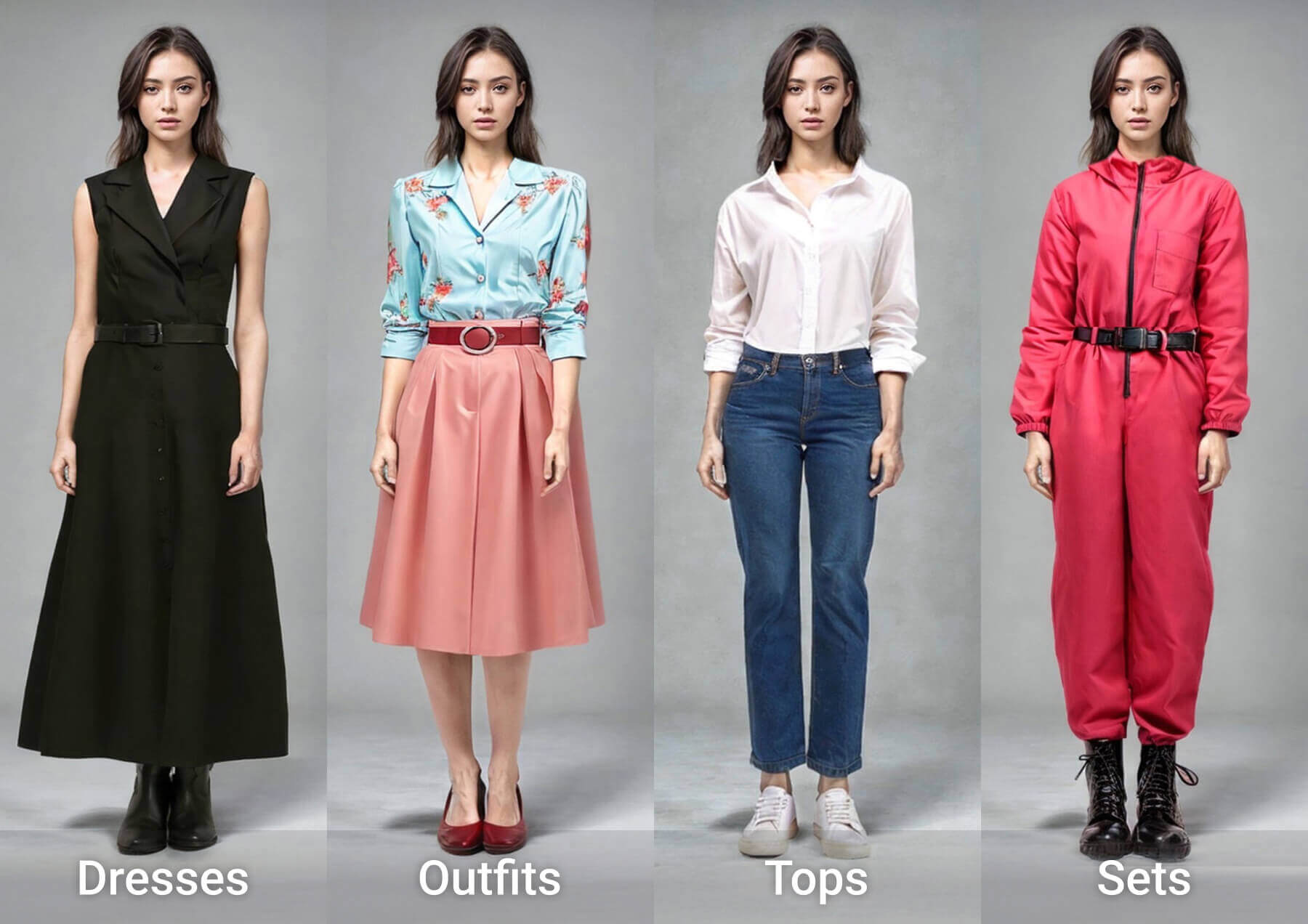
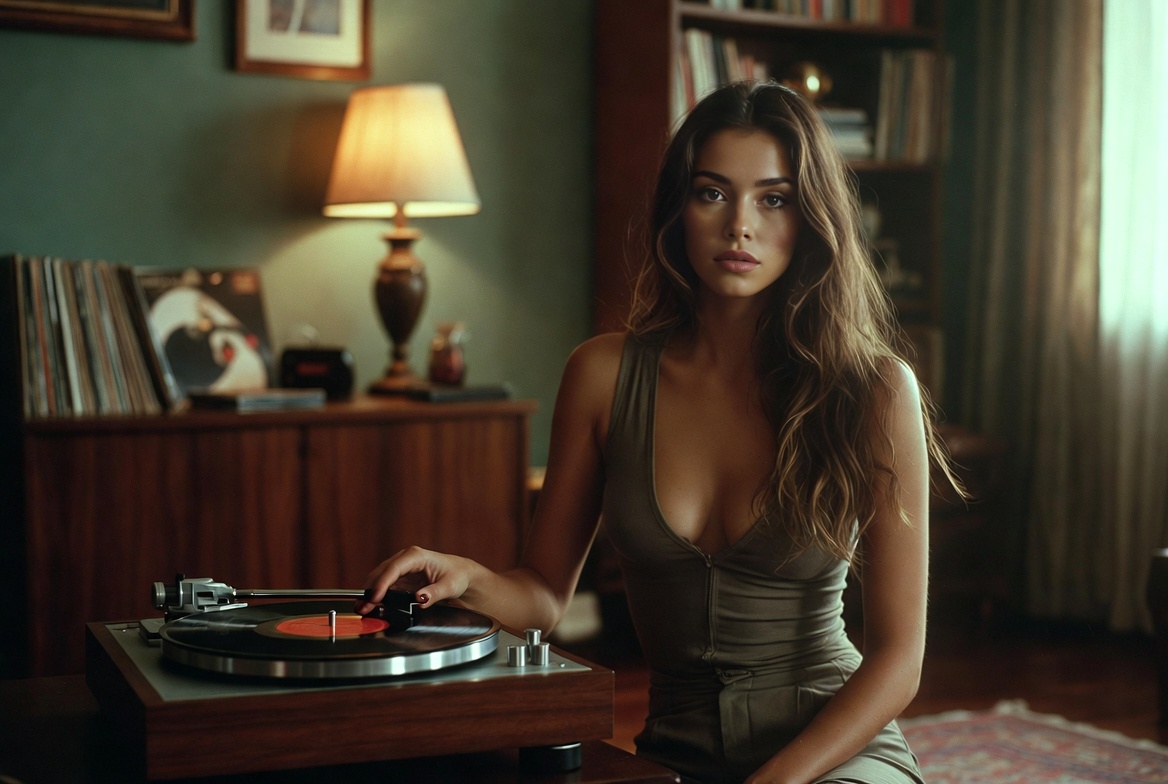
Nano Banana AI 2.1: Repeatable Results, Frame After Frame
Faces, packaging and on-canvas lettering hold together all the way to 4K output, with no drift between generations.
- Scale Out From a Single UploadFeed in one photo and receive as many as forty outputs sharing the same styling.
- Fourteen Sources, One PromptBlend up to fourteen reference files inside a single generation request.
- Talk It Through, Don't RedrawSay what should change and the untouched areas stay exactly as they were.
Running Nano Banana AI 2.1 in Three Steps
Go from a blank prompt box to a finished 4K export in three quick moves.
Nano Banana AI 2.1 — Your Questions Answered
Short, straight answers on reference limits, output sizes and billing.
How many references can I attach to one prompt?
Up to fourteen can be attached to a single request on OpenArt.
How many outputs can a single reference generate?
As many as forty, each one sharing the same styling and palette.
What output sizes and aspect ratios are available?
Frame options vary by model, and the top tier here reaches 4K.
Could a chat edit change areas I never mentioned?
It should not. The edit is scoped to what you describe, and everything around it is preserved.
Do unused credits carry over each month?
On monthly subscriptions, leftover credits expire at the end of the billing period.
How do plan upgrades and downgrades work?
Upgrades kick in immediately, while downgrades land on your next billing date.
Put Nano Banana AI 2.1 to Work
Select the model, describe your scene, attach references and export at up to 4K.