
Free Transparent Background Maker
Strip or swap any photo's backdrop in one pass. This free transparent background maker preserves wispy hair, soft shadows and true color — no signup required.
Feedback
All Tools
Browse AI tools
Muse Video
Seedance2.5
The Future of AI Video Is Here.

Seedance 2.0
The Future of AI Video Is Here.

Veo3.1
Create Stunning Videos with Veo3.1
Grok Video Generator
Create Videos from Text or Images with AI
MiniMax H3 video generator
MiniMax H3 AI Video Generator

Seedance 2.0
The Future of AI Video Is Here.

Gemini Omni 1.2 Flash
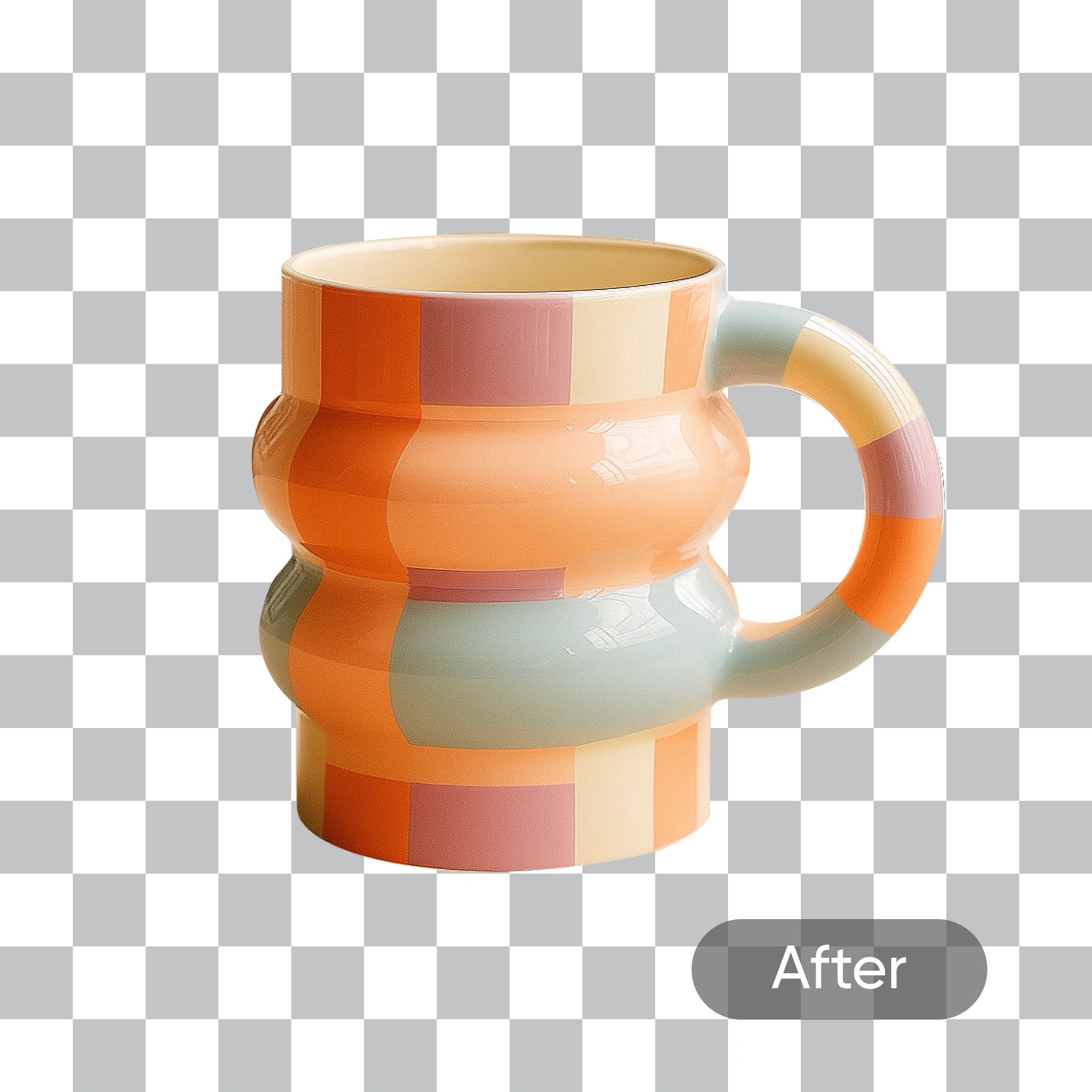
Pixel-Accurate Cutouts Without the Editing Grind
This free transparent background maker lifts your subject out in a single pass, holding onto flyaway hair, contact shadows and original hues so files drop straight into store listings, profile pages or client decks.
- Crisp OutlinesTight outlines that hold fine detail.
- Empty BackdropsClear a crowded scene in one pass.
- Faithful TonesOriginal hues stay exactly as shot.
Why Free Transparent Background Maker
Fast transparent results with clean edges.
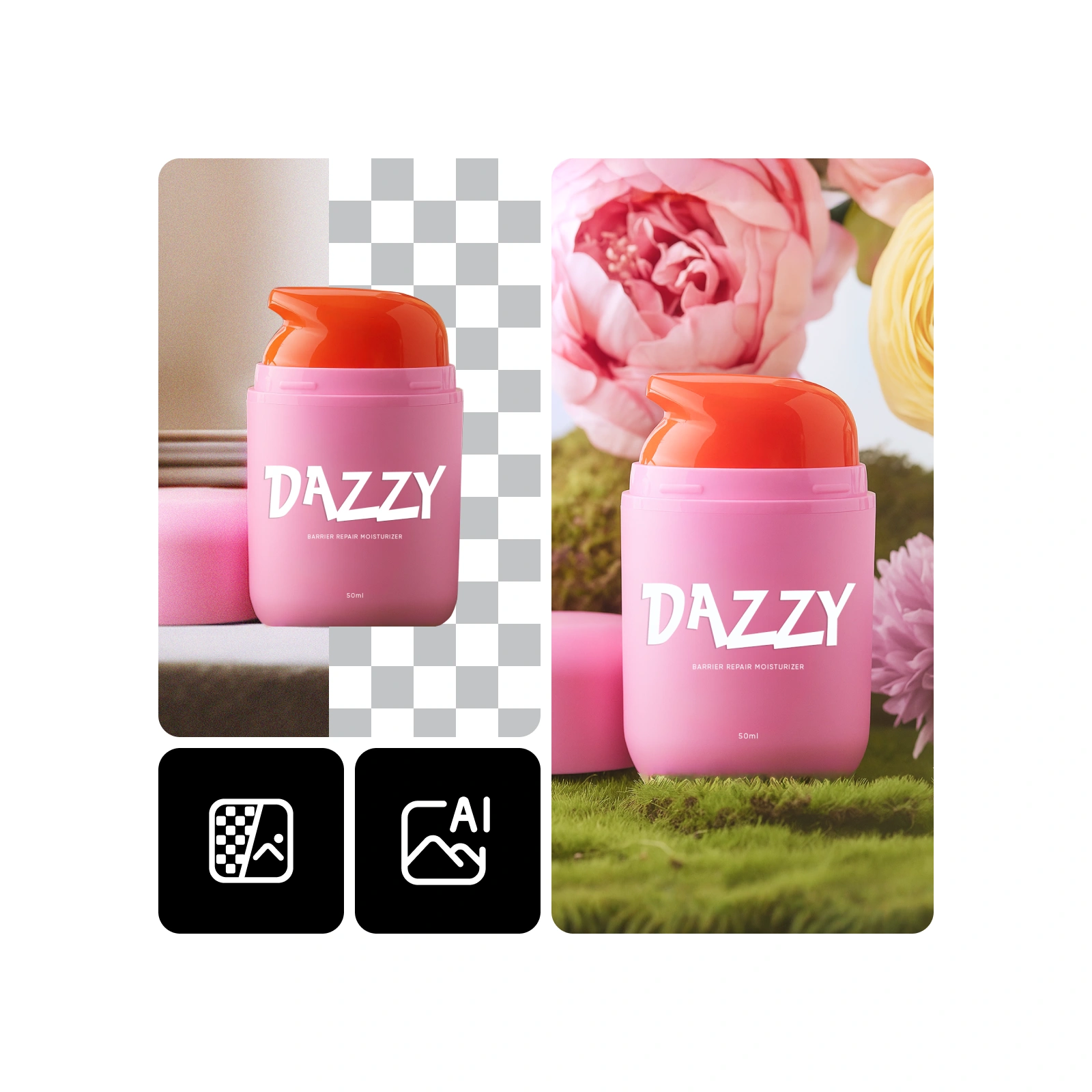
How the Free Transparent Background Maker Works in Four Steps
Add a photo, choose cutout or swap, adjust the mask if you need to, then export an alpha PNG or a freshly built scene — the whole loop takes about a minute.
What the Cutout Engine Does Well
Sub-pixel masking, strand-level edge handling and untouched color data give you files that pass straight into production without a second cleanup pass.
Sub-Pixel Masking
Edges stay tight even at full zoom.
Strand Recovery
Flyaways and curls survive the cut.
Portrait Aware
Facial contours and skin tones hold.
Halo-Free
No light fringe bleeding into the subject.
Color Locked
Sampled hues match the original shot.
Quick Turnaround
Renders finish in well under a minute.
Free Transparent Background Maker: Your Questions Answered
Straight answers on how this free transparent background maker handles edges, file types, turnaround times and awkward photo styles.
What does the tool actually do?
It lifts your subject off its backdrop and returns a transparent PNG — or a brand-new scene if you would rather swap one in.
How is it different from other cutout tools?
Strand-level edge handling, untouched color data and sub-minute renders, all without a paywall or an account.
Which photo types work best?
Packshots, headshots, logos, banners and ad creative all come out clean, including tricky hair and semi-transparent edges.
How long does a render take?
Typically under 60 seconds. Dense hair, motion blur or very large files may add a little extra time.
Will faces and skin tones look natural?
Yes — contours, freckles and skin tones stay true to the source photo, with no plastic smoothing.
Can I use the results commercially?
Yes, subject to the plan you are on. Check the terms for the full licensing details.
Put This Free Transparent Background Maker to Work
Drop in a photo and watch the backdrop vanish — no cost, no watermark, tuned for both product shots and portraits.