
AI Pinterest Pin Generator
Type a short prompt and get a polished Pinterest pin back in seconds. Our AI Pinterest Pin Generator is free, watermark-free, and sized for the feed.
Feedback

freeTrialImage.bannerPity
freeTrialImage.upgradeUnlock
- ✓freeTrialImage.benefitHd
- ✓freeTrialImage.benefitWatermark
- ✓freeTrialImage.benefitUnlimited
AI Tools
Explore AI tools


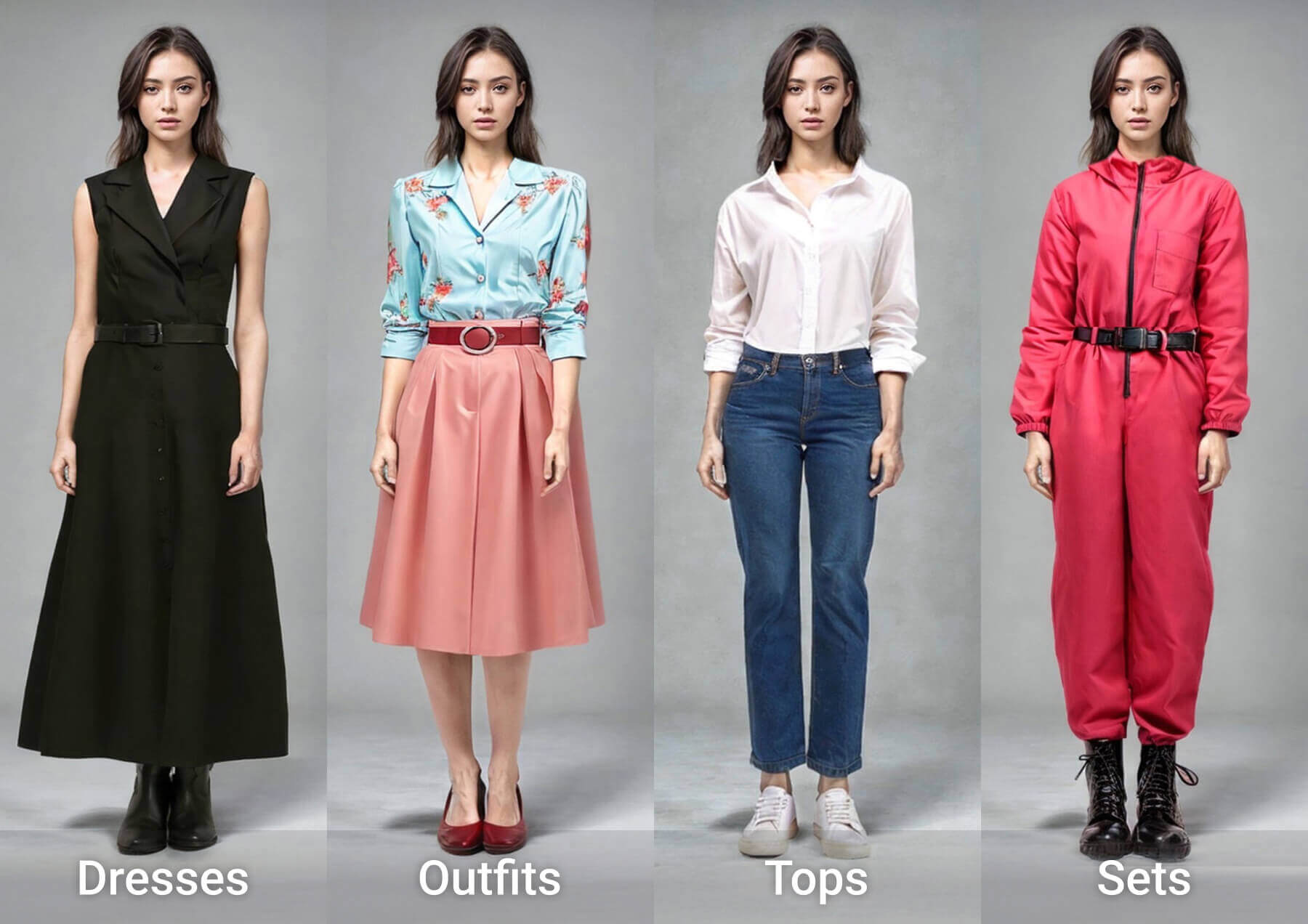

Design Pins That Actually Get Saved and Clicked
Describe the look you want and watch it become a polished, full-resolution pin built to perform on the Pinterest feed.
- Zero Design Skills RequiredSkip templates and tutorials — write one sentence and let the AI handle layout, color, and type.
- Live Visual PreviewsChange the wording or the style and watch the updated pin render right away.
- Unlimited VariationsSpin up several takes on the same idea, then keep the one that suits your board best.
Three Steps to a Finished Pinterest Pin
No plugins, no tutorials — the whole workflow takes about a minute.
AI Pinterest Pin Generator: Common Questions Answered
Everything creators ask before making their first pin — cost, quality, sizes, and usage rights.
What exactly does this tool do?
It turns a written description into a finished pin image, handling composition, colors, and typography suited to the Pinterest feed.
Do I need any design experience?
None at all. If you can describe the pin in one sentence, the generator can render it for you.
Can I tweak the result after it is generated?
Yes. Rewrite the prompt, switch models, or change the aspect ratio and regenerate until the look matches your brand.
How many variations can I create?
As many as you like. A single prompt can produce several distinct designs, so you can test which one earns more saves.
What kinds of pins work best?
Product shots, blog covers, quote graphics, seasonal promos, and mood boards all translate well to the vertical format.
Why use this instead of a template editor?
It removes the manual work — no dragging layers or hunting for fonts. You get a finished, professional-looking pin in seconds.
Your Next Pin Is One Prompt Away
Type an idea, hit generate, and publish a pin that looks like it came from a design studio.